
Vendor request redesign and mobile webview navigation
Version 1.225.4
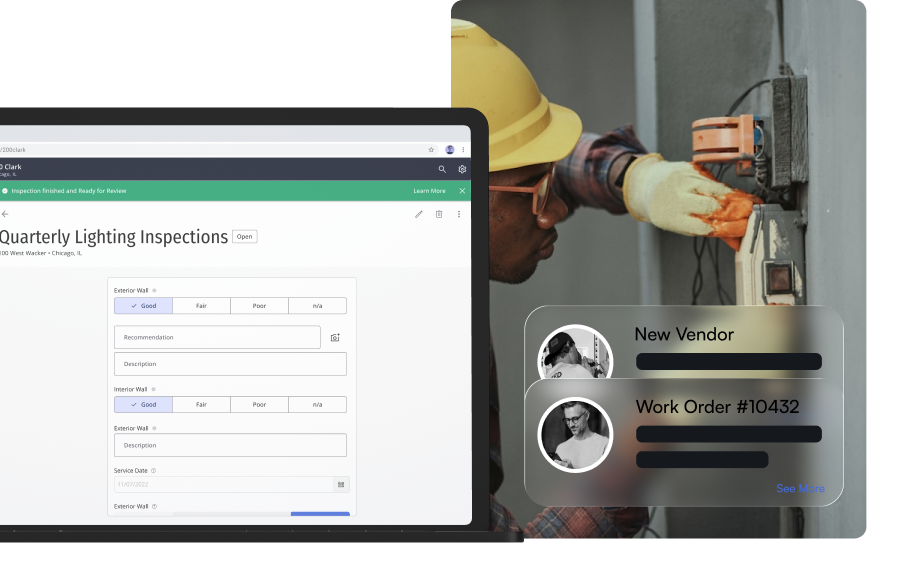
Vendor Management and the Smart Maintenance embed both move forward this week, alongside smaller polish across mobile navigation and notifications.
The vendor request create form gets a redesign focused on clarity: fewer clicks, clearer field grouping, and less back-and-forth when logging a new request.
Behind the Smart Maintenance embed, dev and production environments now point at the same Smart Maintenance SWA, with deep-link routes for asset and PM views and a hardened iframe sandbox. Mobile and webview pages pick up a consistent header and list-action layout, and mass notification schedules now show the sending timezone next to the send time.
Vendor request form redesign
Vendor Management's request form gets a cleaner, guided create flow, so building staff spend less time hunting for the right fields when logging a new vendor request (CUS-351).
Mobile and webview navigation refresh
Page headers and list actions in the mobile app and webview now match the rest of the platform, with consistent styling and clearer action placement across screens.
Fixes
- MaintenanceMaintenance Embed
Print QR now works inside the embedded Smart Maintenance experience after enabling modals in the iframe.
 Maintenance
Improvements
- MaintenanceMaintenance Embed
Deep-link routes for asset and PM detail views land in the Smart Maintenance embed, with a hardened iframe sandbox and dev and production both pointed at the Smart Maintenance SWA.
- ExperienceAmenity Management
Amenity browse cards request a medium-size banner image instead of the full asset, so cards load faster (ENG-1372).
- ExperienceMass Notification
Scheduled sends show a timezone notice next to the send date and time, so operators know exactly when a notification will go out.
- ExperienceTheme & Branding
Assets tab uploads use per-asset media sizes instead of one fixed size for every upload.
 Experience