
Work Requests permissions and a refreshed Theme Config
Version 1.251 (1.251.0 to 1.251.2)
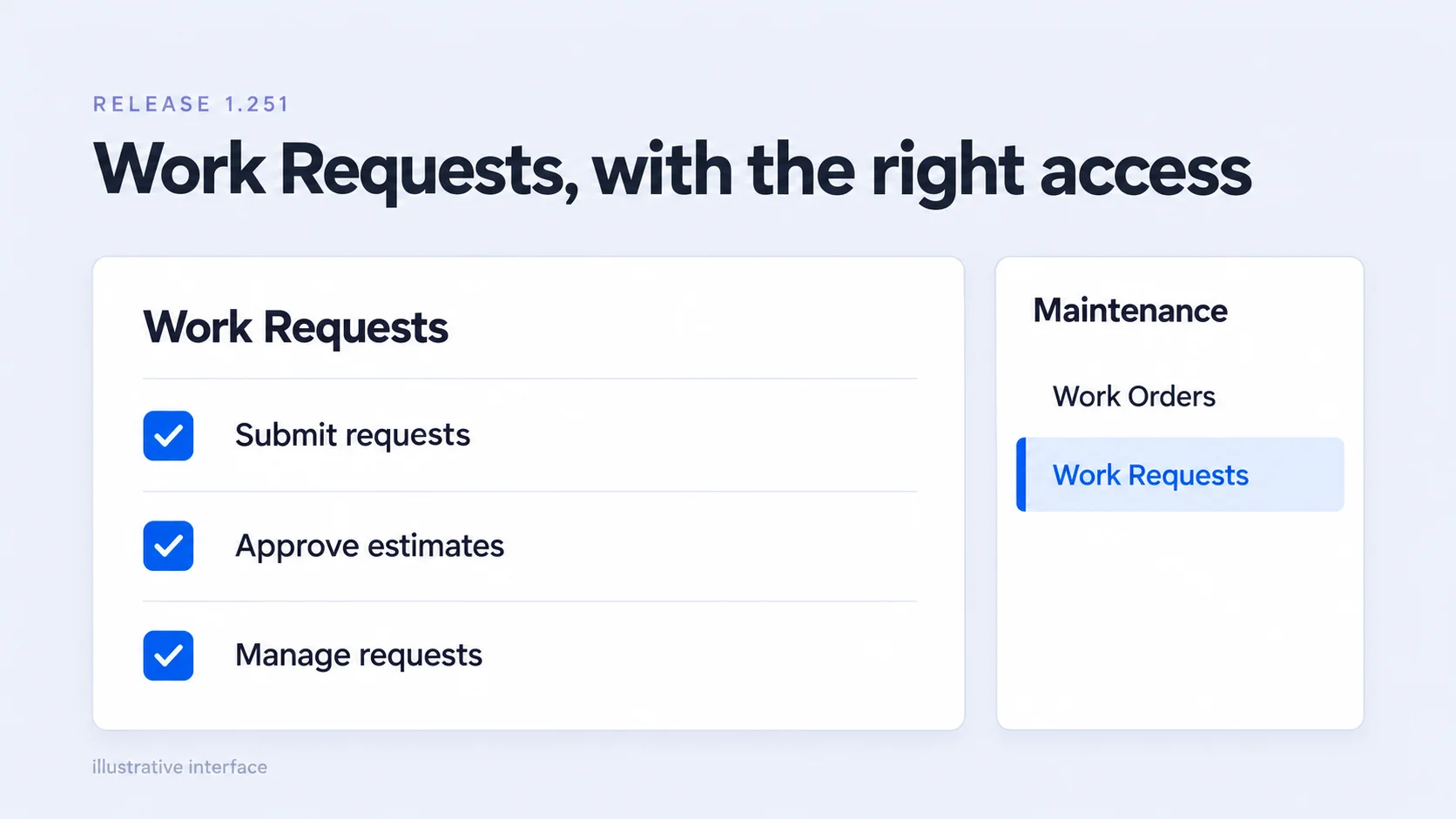
Work Requests now has its own permissions in roles and permissions, and a sidebar link for buildings that use it. Theme Config has been refreshed to match the rest of the platform.
Work Requests permissions
Work Requests now has its own module in roles and permissions, with separate permissions to submit requests, approve estimates, and manage requests. Each permission is limited to the scopes that make sense for it.
Work Requests in the sidebar
Work Requests now has its own sidebar link, next to Work Orders. It shows for users and buildings that have Work Requests turned on. Teams can open requests in one click.
Improvements
- ExperienceTheme Config
Improved Theme Config with the standard form layout, consolidated email settings, and cleaner image and style options.
- ExperienceTheme Config
Improved image uploads in Theme Config so previews fall back gracefully and image changes save without affecting other unsaved edits.
- MaintenanceNavigation
Improved the navigation menu to hide any section that has no items you can access.
- ExperienceReservations
Improved hourly amenity bookings that span more than one schedule, so the time is allocated across consecutive schedules in start-time order.
 Experience
 Maintenance
Fixes
- MaintenanceNavigation
Fixed the Maintenance menu section so it appears for every building, including those without Inspections, keeping Work Requests and Chemical Inventory reachable.
- MaintenanceWork Requests
Fixed Work Requests not appearing in the navigation menu under Maintenance, alongside Work Orders, for users with Maintenance and Work Requests access.
- ExperienceReservations
Fixed Upcoming and Custom date range reservation exports failing to download a CSV.
- ExperienceEvents
Fixed upcoming building event exports failing to download a CSV.
- ExperienceBuilding Setup
Fixed bulk space imports not saving the imported spaces and dropping their floor assignments.