Cloud-Based Visitor Management Systems: What Lives in the Cloud and What Stays in Your Building
A cloud-based visitor management system keeps visitor records and rules on hosted servers, while lobby hardware and access control stay in your building.
Schedule a Call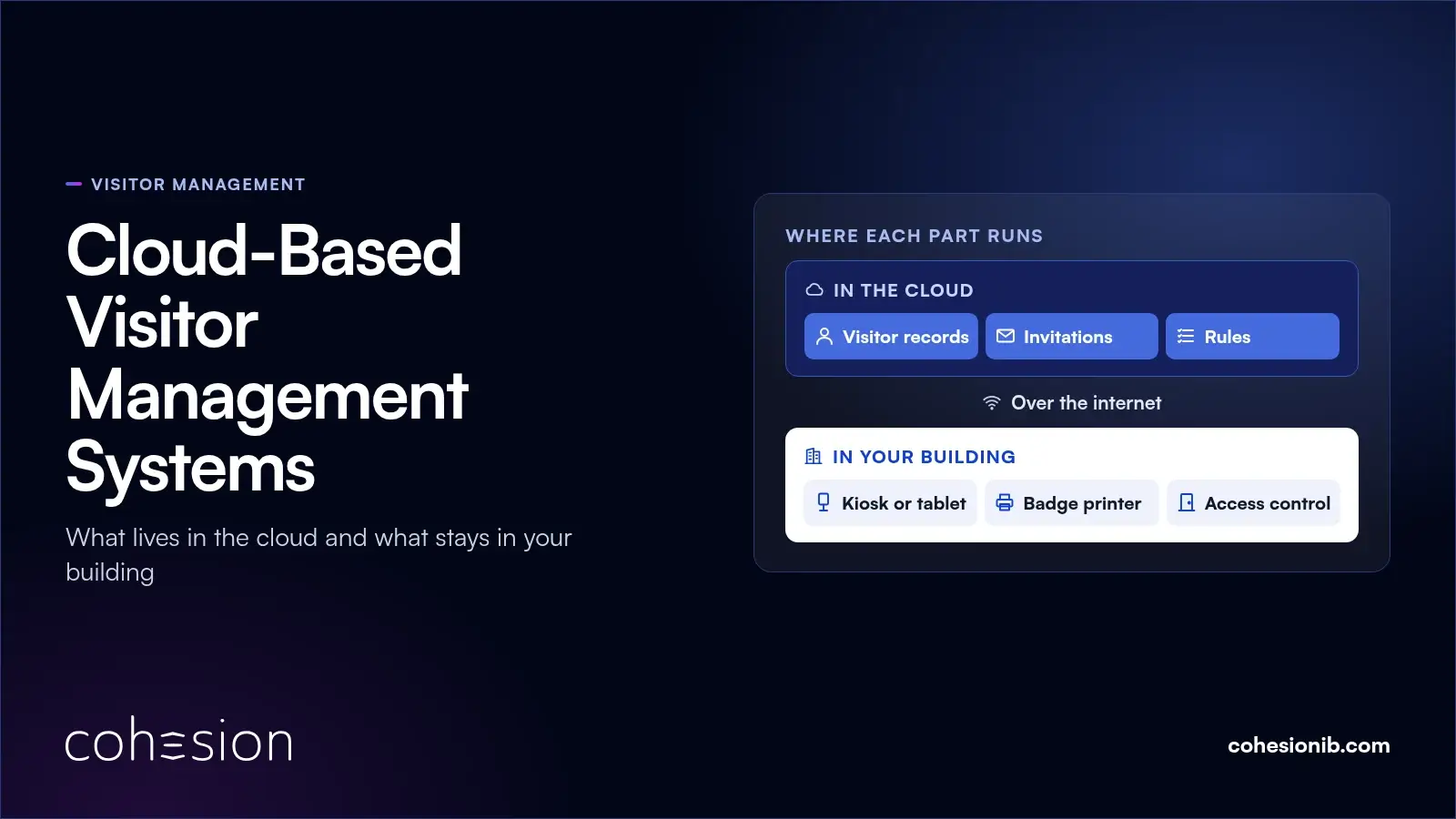
A cloud-based visitor management system keeps visitor records, invitations and rules on servers the vendor hosts, so your building team manages them from a browser or phone instead of a server in the building. The kiosk or tablet, the badge printer and your access control hardware stay on site and connect to it over the internet.
A contractor shows up for an elevator service call, and the front desk only has his phone number. He gets a QR code by text, scans it at the turnstile, and the visit lands in the log. Part of that visit ran on a hosted server, and part of it ran on hardware in your lobby.
Planning gets easier once you know which parts of a visitor management system run in the cloud, which stay in your building, and how the two reach the access control you already run. Data, outages, several buildings and cost each work a little differently in a hosted setup too.
What makes a visitor management system cloud-based
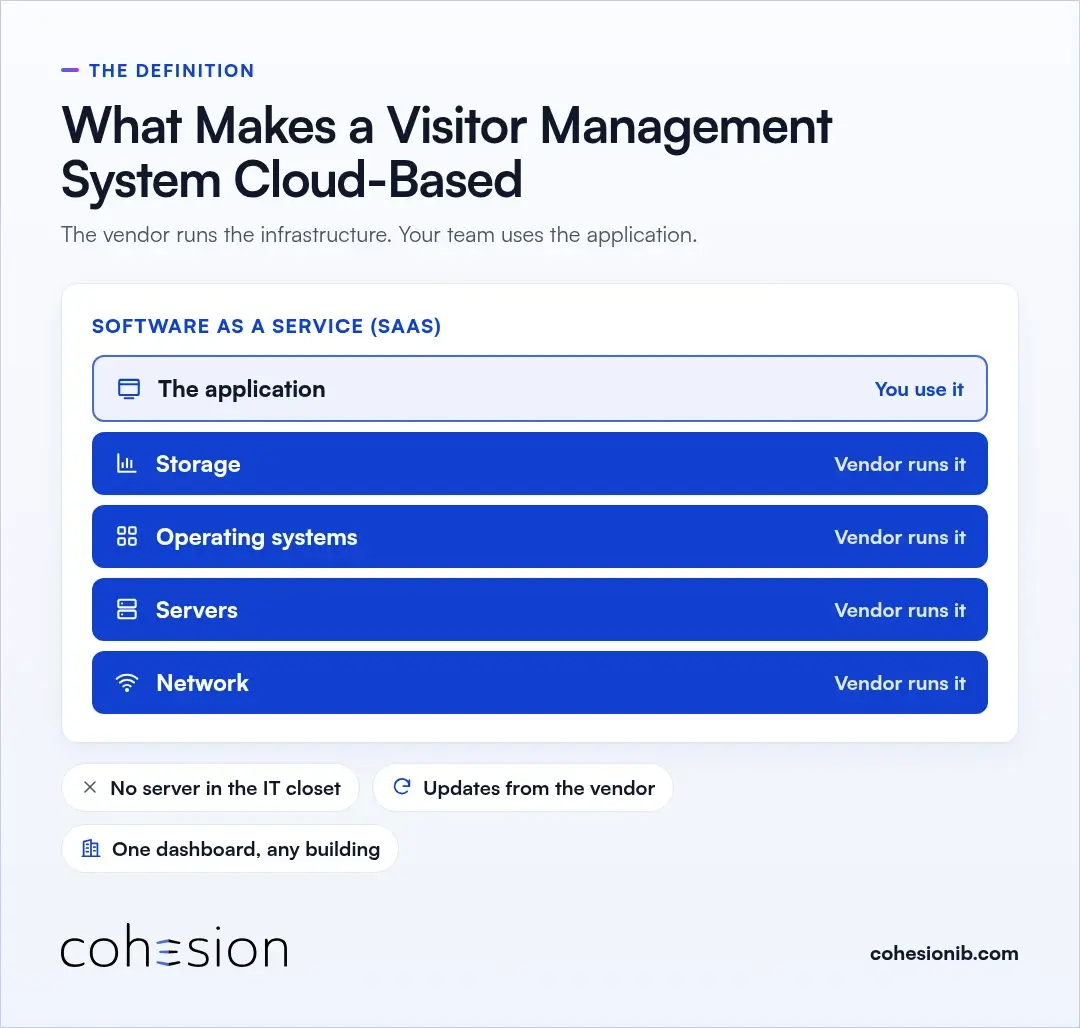
A visitor management system is cloud-based when the software runs on infrastructure the vendor operates, and your team uses it through a browser or app. The NIST definition of cloud computing calls this software as a service (SaaS): the customer uses the provider's application and doesn't manage the network, servers, operating systems or storage underneath it. SaaS is one of three service models in that definition, which also sets out five essential characteristics and four deployment models.
Day to day, that means there's no visitor server sitting in the building's IT closet. Updates arrive from the vendor, and an admin can open the same dashboard from any building. You'll also hear this called cloud-based visitor management software, or a web-based or online visitor management system.
The hardware a guest actually touches still lives in your building, and that split is where a lot of planning questions start.
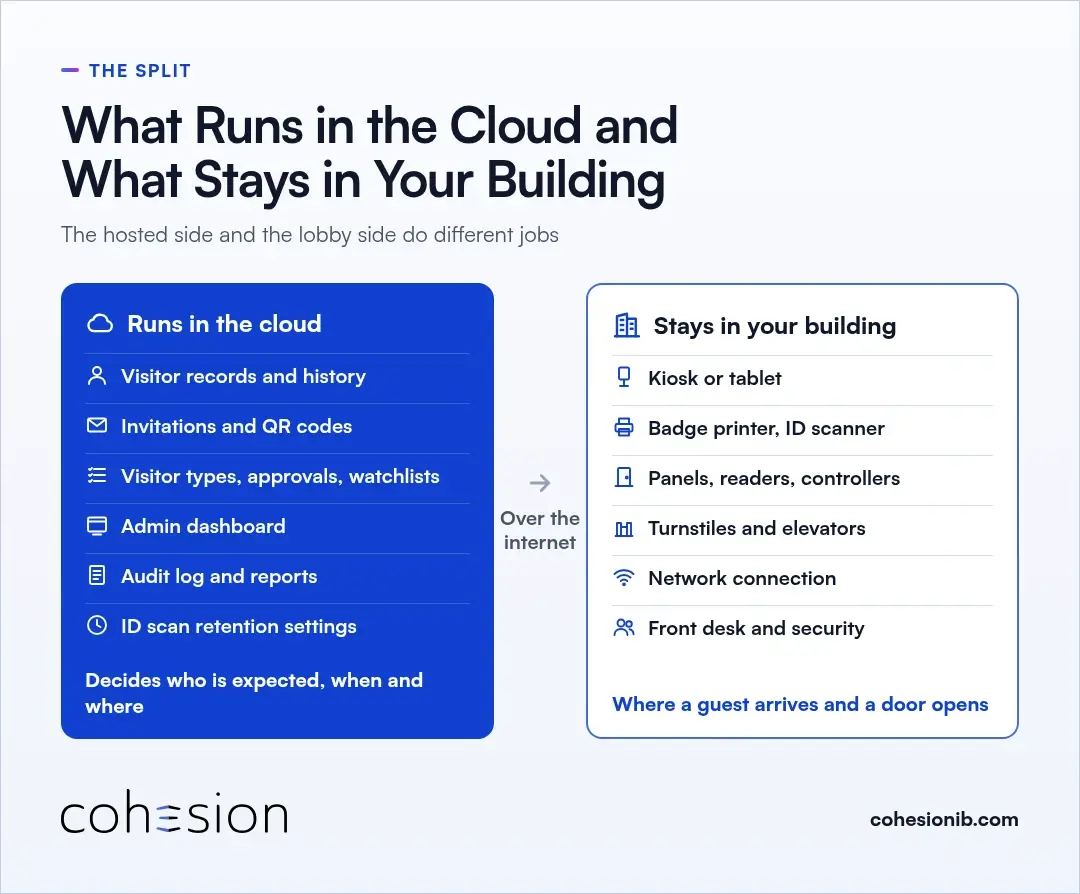
What runs in the cloud and what stays in your building
| Runs in the cloud | Stays in your building |
|---|---|
| Visitor records and visit history | Kiosk or tablet at the front desk |
| Host invitations and QR credentials sent by email or text | Badge printer and ID scanner, where used |
| Visitor types, approval rules and watchlists | Access control panels, readers and door controllers |
| The admin dashboard, or cloud access portal, your team opens in a browser | Turnstiles and elevator controls |
| Audit log, reports and exports | The building's network connection |
| Retention settings for scanned ID data | The people at the front desk and on the security team |
The hosted side decides who is expected, when and where. The building side is where a guest physically arrives and a door opens.
In Cohesion Visitor Management, guests get a pre-registration link and a QR credential by email or text, and they can save it to their phone's wallet. There's no app to download and no account to create. Here's how visitor QR codes by text work for guests who only share a phone number.
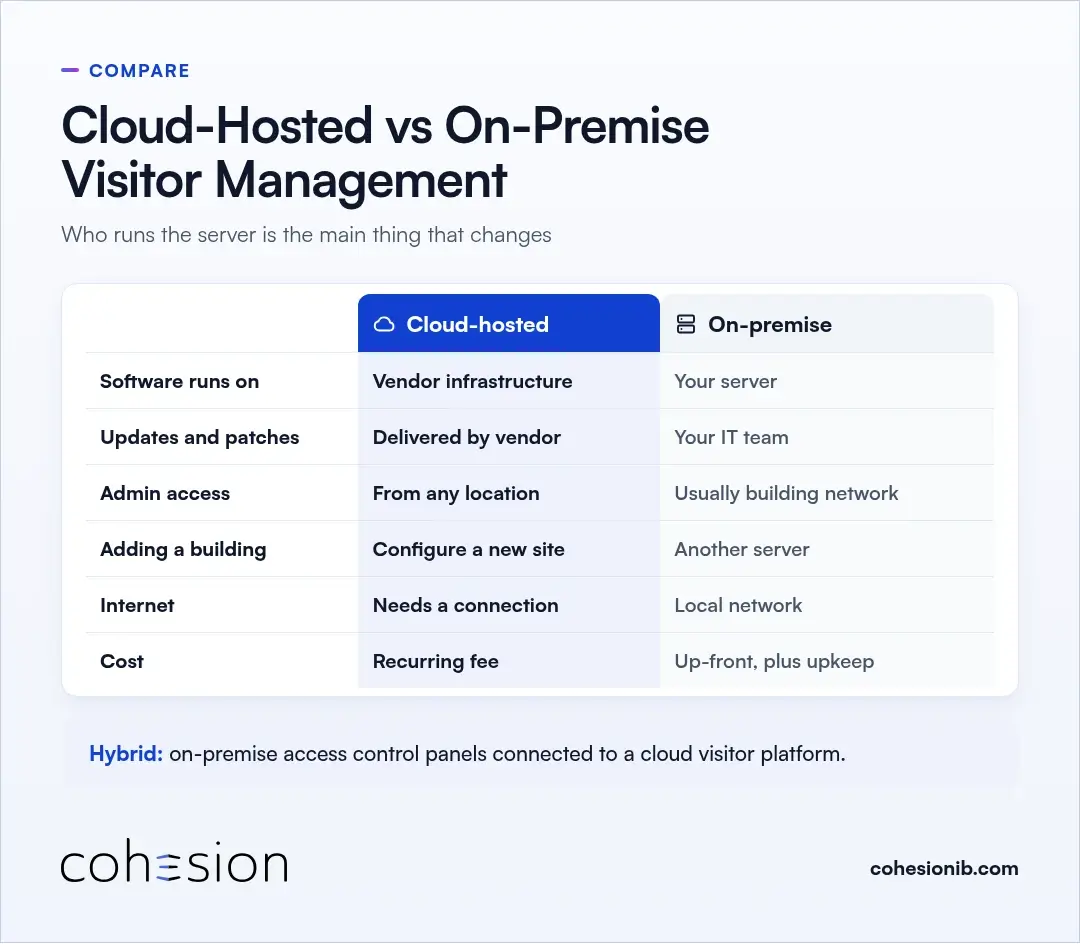
Cloud-hosted and on-premise visitor management: what changes
With an on-premise visitor management system, your team runs the server and handles updates, backups and security patches. With a cloud-hosted system, the vendor runs that layer, and admins can reach the system from any building with a browser.
| Cloud-hosted | On-premise | |
|---|---|---|
| Where the software runs | Vendor-operated infrastructure | A server your team runs on site or in your data center |
| Updates and patches | Delivered by the vendor | Scheduled and applied by your IT team |
| Admin access | Browser or app, from any location | Usually from the building network |
| Adding a building | Configure the new site in the same system | Install and maintain another server or instance |
| Internet dependence | Needs a connection between lobby and platform | Runs on the local network |
| Cost structure | Recurring fee, often a subscription | Up-front servers and licences, plus ongoing upkeep |
A building can also run a hybrid, with on-premise access control panels connected to a cloud visitor platform. In that setup the door hardware stays put while the visitor software moves to the cloud.
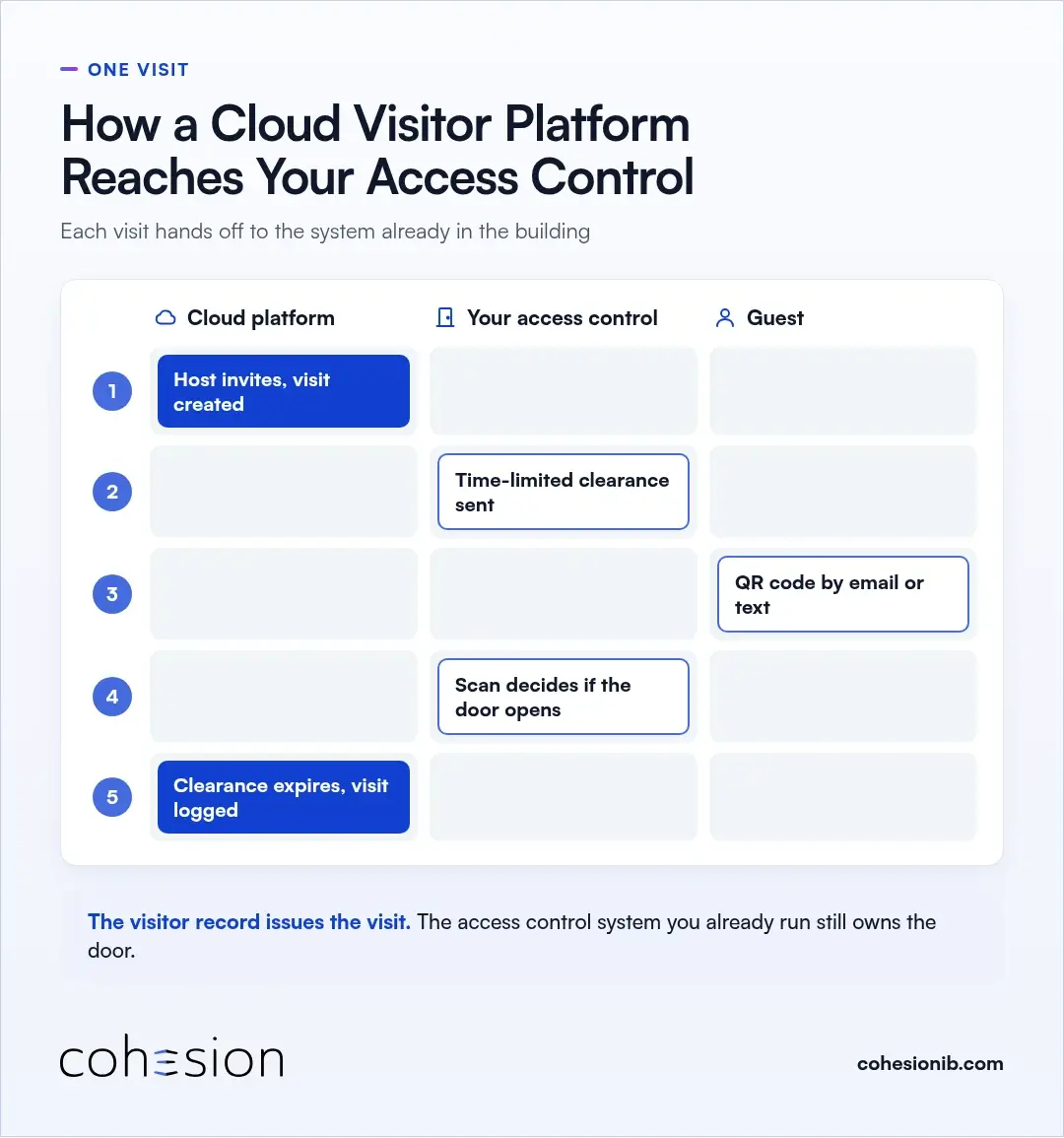
How a cloud visitor platform reaches the access control in your building
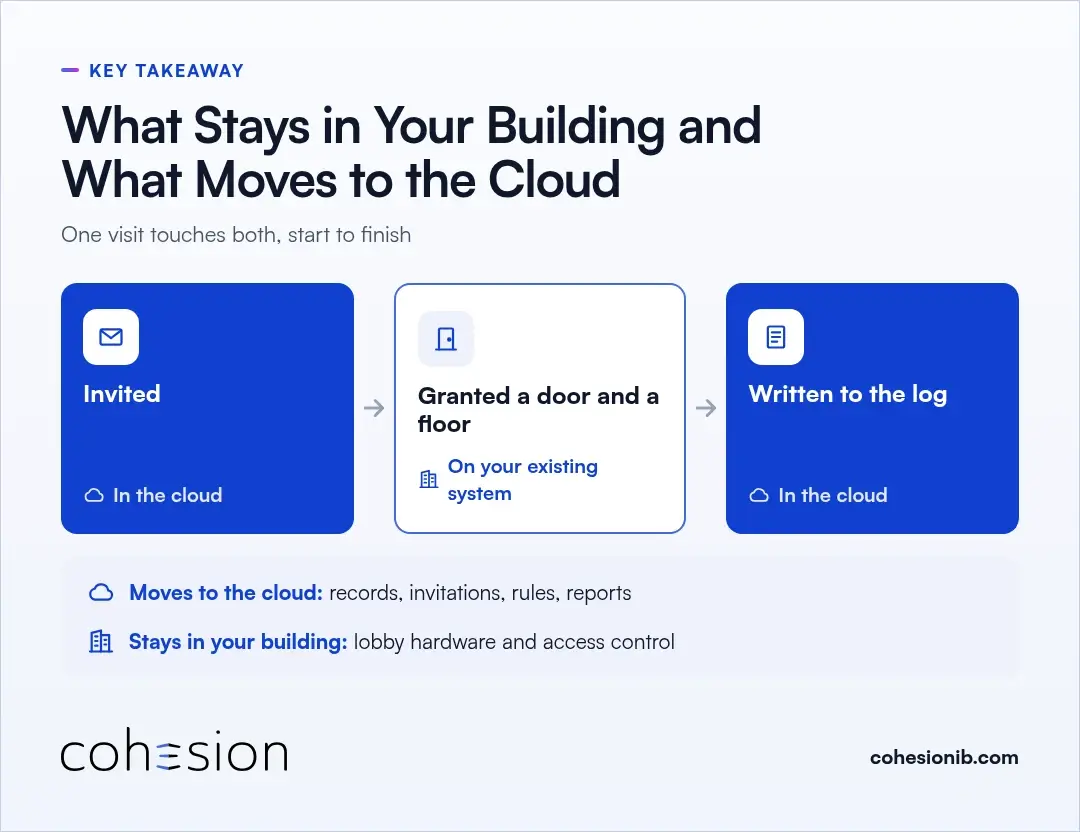
A cloud visitor platform reaches your doors by handing each visit to the access control system already in the building. A single visit takes this path:
- A host invites the guest, and the visit is created in the cloud platform.
- The platform sends that guest's time-limited clearance to the building's existing access control.
- The guest receives a QR code by email or text, ready to save to a phone wallet.
- The guest scans at the door or turnstile, and the access control system decides whether it opens.
- When the visit window closes, the clearance expires and the visit stays in the audit log.
Cohesion Visitor Management runs on top of the access control you already have, so there's no rip-and-replace. The visitor record issues the visit, and the access system still owns the door.
Credentials expire automatically when the visit window closes and can be limited to specific floors or zones. A guest pass ends with the meeting it was issued for.
For buildings with on-premise systems, Cloud Connector bridges them to our platform, syncing users, credentials and clearances in both directions in real time.
You can look up your access control, elevator and identity systems in our integration library. If you're planning access control itself alongside visitors, Smart Access covers that side.
Visitor management system security: protecting and keeping visitor data
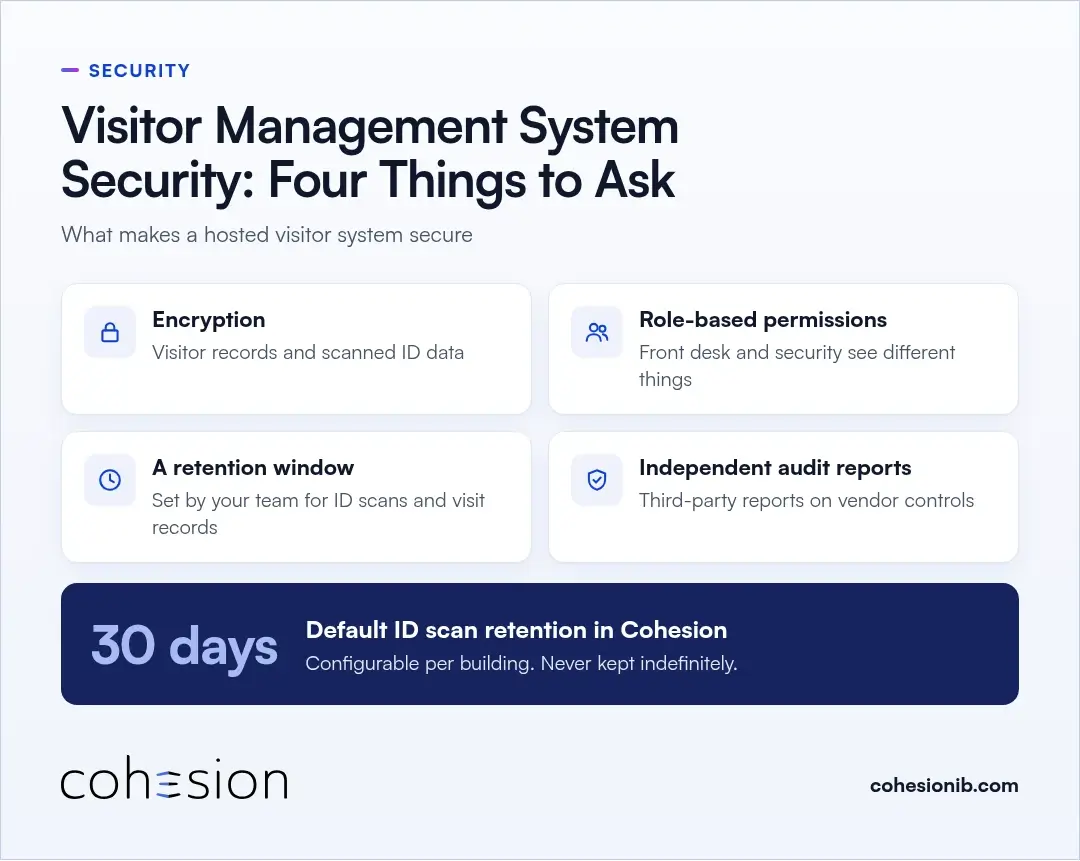
A cloud-based visitor management system can be secure when visitor data is encrypted, admin roles limit who sees which records, scanned ID data is deleted on a schedule the building controls, and the vendor can show independent security reports. These are the four to ask about:
- Encryption of visitor records and scanned ID data
- Role-based permissions, where access to records follows the role a person holds, so a front desk user and a security lead see different things
- A retention window for ID scans and visit records that your team sets
- Independent third-party audit reports on the vendor's security controls
In Cohesion Visitor Management, scanned ID data is stored in an encrypted service and deleted on a retention window, 30 days by default and configurable per building. It is never kept indefinitely.
Every visit, host notification and watchlist flag writes to an audit log in real time. In an emergency, the front desk can pull a current list of everyone logged as on site, guests included, without compiling it by hand.
If your security program follows NIST SP 800-53, control PE-8 (Visitor Access Records) asks you to maintain visitor access records for a time period your organization defines, review them at a frequency you set, and report anomalies to the people you designate. Its enhancements add automated records maintenance and review, and limiting the personal information those records hold. A hosted system keeps those records in one place your team can search and export.
If the GDPR applies to your organization, for example through an office in the EU, visitor names, photos and ID scans count as personal data, and the regulation expects that data kept no longer than necessary. A retention window your team controls makes that easier to manage.
Keeping the front desk running when the connection drops
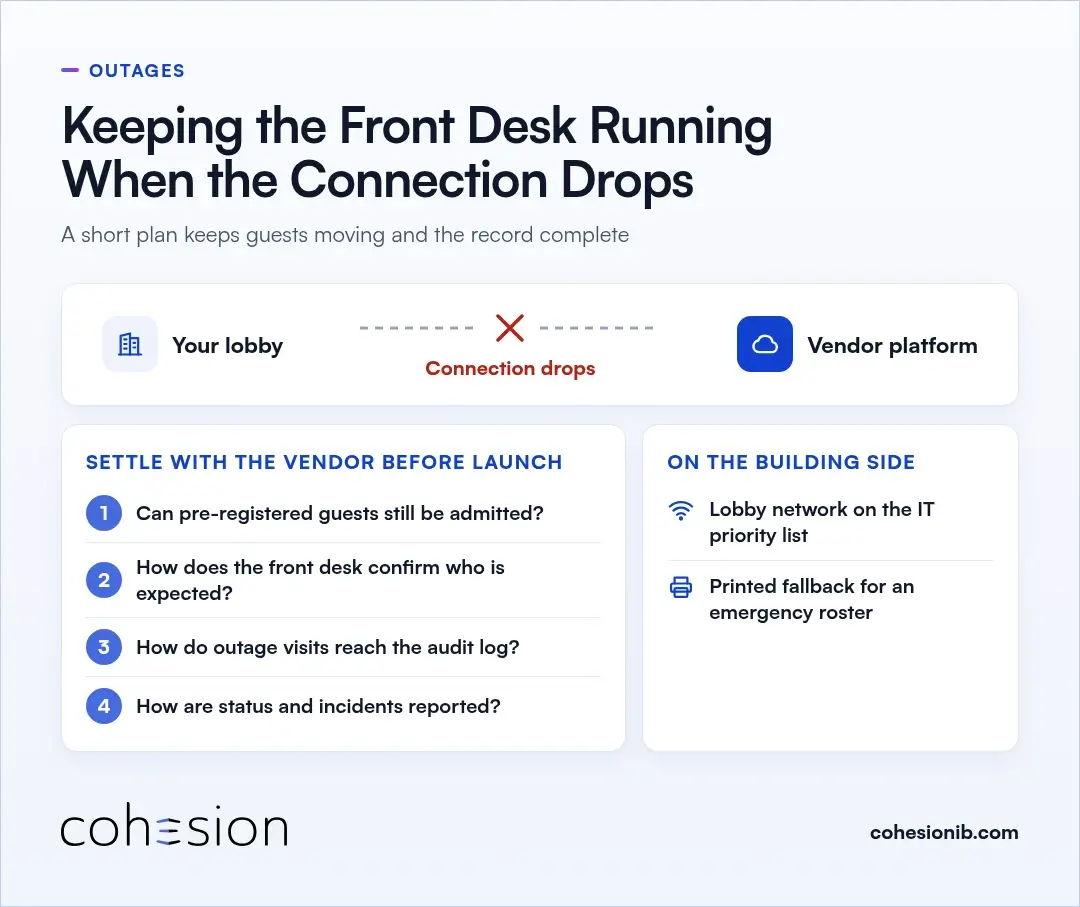
A hosted system depends on the link between your lobby and the vendor's platform, so it's worth planning for the day that link goes quiet. A short plan keeps guests moving and the record complete.
These are good questions to settle with any vendor before launch:
- Can guests who were pre-registered still be admitted while the building is offline?
- What does the front desk see, and how does it confirm who is expected?
- How do visits made during the outage reach the audit log once the connection returns?
- How does the vendor report service status and incidents to your team?
On the building side, put the lobby's network connection on your IT team's priority list, and give the front desk a printed fallback for an emergency roster.
Running enterprise visitor management across several buildings
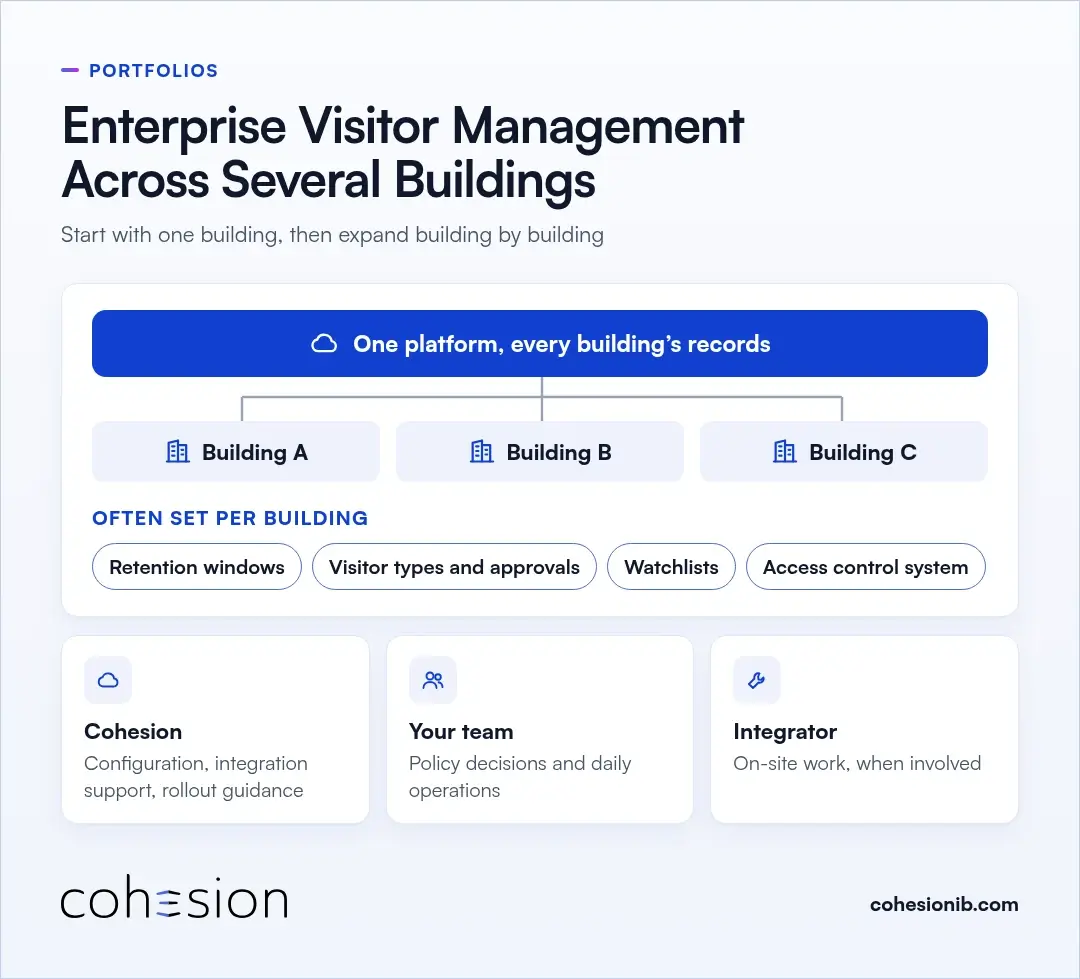
A hosted system keeps every building's visitor records on one platform instead of a separate server at each site, which is a good starting point for managing a whole portfolio. It's worth asking each vendor how rules are set across buildings, what can change per building, and whether visits across the portfolio show up in one view.
Settings that often differ by building include retention windows, visitor types and approval rules, watchlists, and the access control system behind each lobby.
A Cohesion rollout is built to start with one building or one workflow, then expand building by building using the same operating standard. See how deployment works for the typical path from pilot to portfolio.
In that rollout, our team handles platform configuration, integration support and rollout guidance. Your team owns policy decisions and day-to-day operations, and an integrator handles on-site work when one is involved.
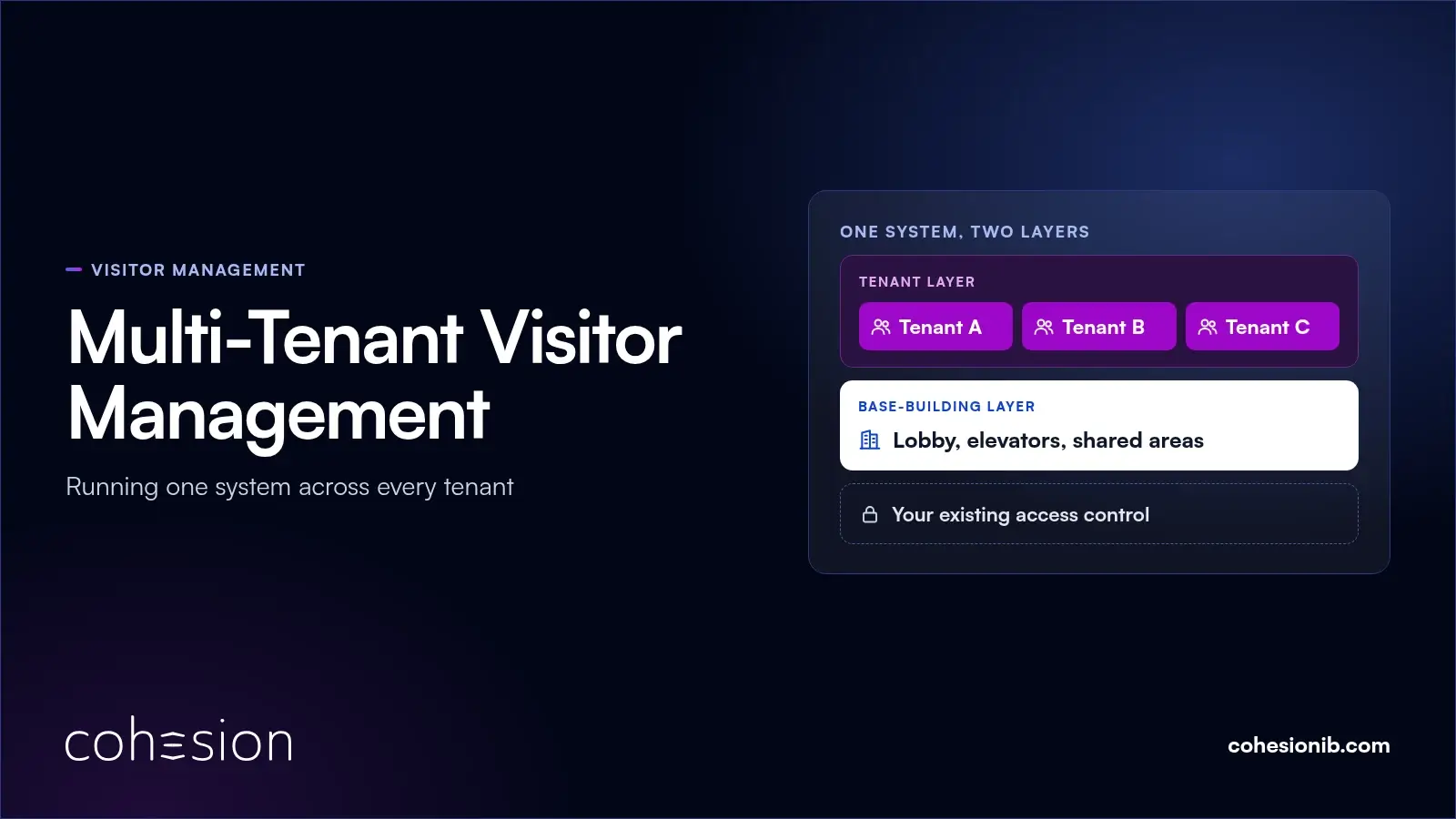
Inside a single multi-tenant building, the base building and tenants can share one Cohesion visitor system. Partitioned security keeps tenant and base-building data in sync without exposing what shouldn't be shared between them.
How the subscription cost model works
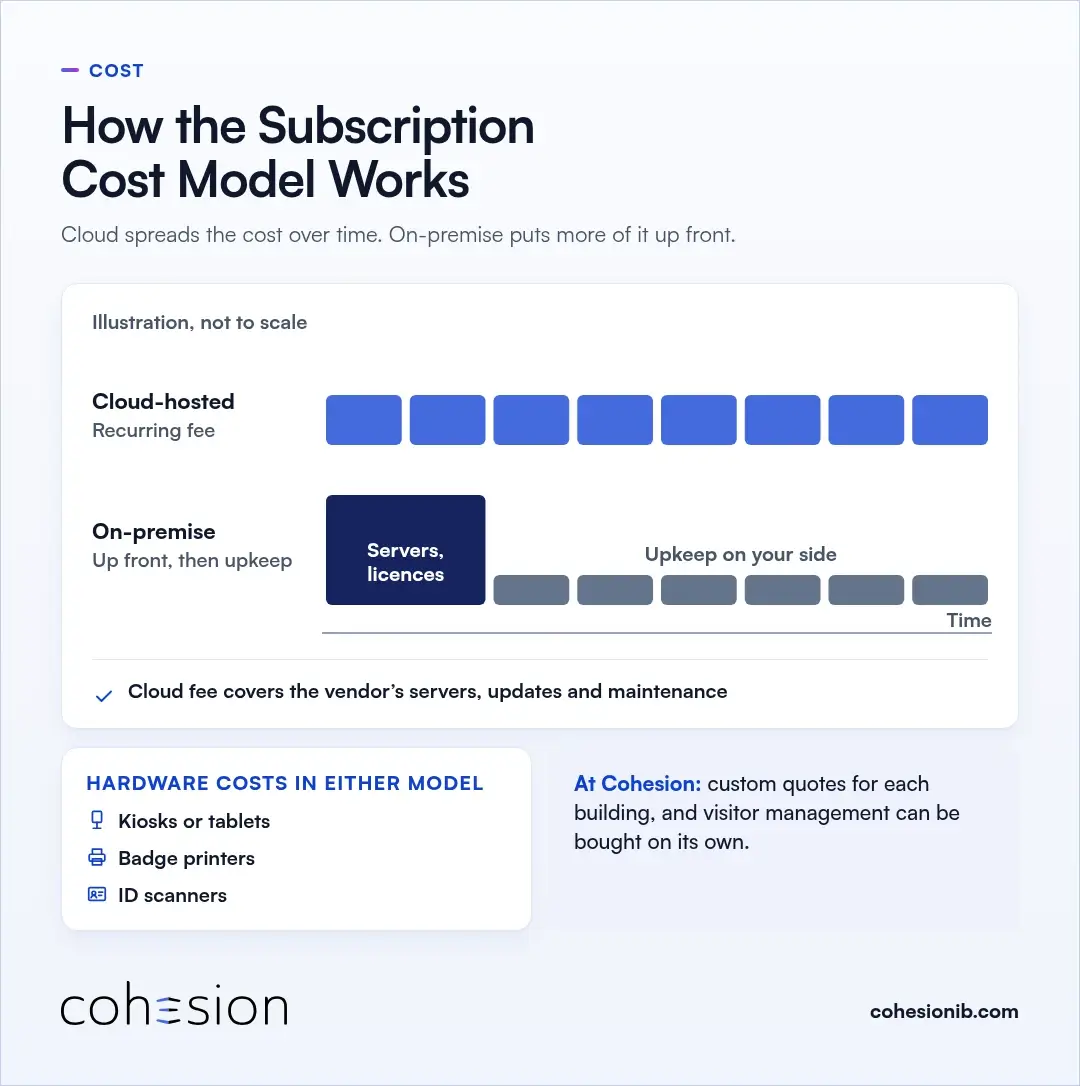
Cloud-hosted software is commonly paid for through a recurring fee, often a subscription, so the vendor's servers, updates and maintenance sit inside that fee. An on-premise system puts more of the cost up front in servers and licences, with upkeep on your side after that.
Hardware still has a cost in either model: kiosks or tablets, badge printers and ID scanners where you use them.
At Cohesion, quotes are custom for each building, and you can buy visitor management on its own. For per-location pricing, 3-year total cost and what changes when you add a site, see the visitor management system buyer's guide.
Frequently asked questions
What stays in the building with a cloud-based visitor management system?
Your front desk hardware and your access control stay right where they are: the kiosk or tablet, badge printer, ID scanner, readers, door controllers and turnstiles. Visitor records, invitations, rules and reports run on the vendor's hosted servers.
Is a cloud-based visitor management system secure?
A cloud-based visitor management system can be secure when visitor data is encrypted, admin roles limit who sees which records, and scanned ID data is deleted on a schedule your building sets. It's also fair to ask each vendor for independent third-party audit reports on its security controls.
What happens if the building's internet goes down?
What happens during an outage depends on the vendor and how your lobby is set up, so it's worth settling before launch. Ask whether pre-registered guests can still be admitted, how the front desk confirms who's expected, and how visits reach the log once the connection is back.
Can one cloud visitor system cover several buildings?
Yes, a hosted visitor system can work well for a portfolio, because every building's records sit on one platform rather than a server at each site. Ask how rules are set across buildings, which settings, such as retention windows and visitor types, can differ by site, and whether you can see all visits in one view.
How is a cloud-based visitor management system priced?
Cloud-based visitor management is commonly priced as a recurring fee, often a subscription, rather than a large up-front purchase. It helps to ask whether hardware such as tablets and badge printers is included, whether the quote is per building or per company, and what changes when you add a site.
See what stays in your building and what moves to the cloud
Bring your current front desk process and the access control system you run today. We'd love to show you a visit invited, granted a door and a floor on your existing system, and written to the log.