Switching to a Digital Visitor Management System: Paper Sign-In to QR Check-In
Swap the paper sign-in sheet for a digital visitor management system: how QR and mobile check-in work, what the log records, and multi-tenant rollout.
Schedule a Call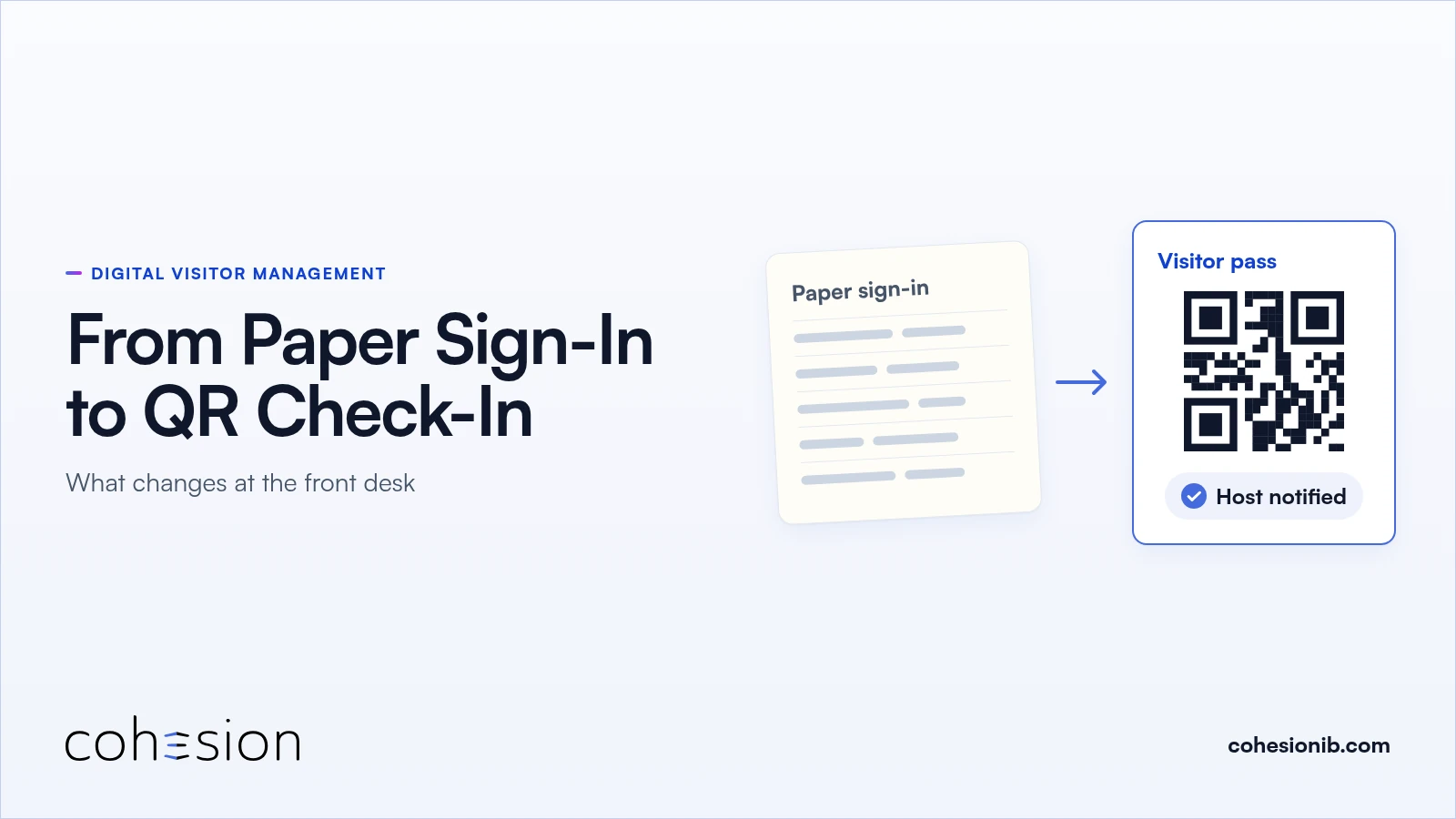
A contractor walks into the lobby for an HVAC call with tools in hand. Nobody sent him an invitation, and a phone number is all the front desk has. Upstairs, a tenant services coordinator is pre-registering tomorrow's guests through a chain of emails.
A digital visitor management system replaces the paper sign-in sheet with online pre-registration, a QR or mobile pass, automatic host alerts, and a visitor log that writes itself. Switching from paper to digital check-in changes what happens at the front desk, what guests do, and how a multi-tenant building brings its tenants along. For the full product, see our visitor management system page.
What the paper sign-in sheet costs the front desk
A paper sign-in sheet costs the front desk time on every visit and leaves no reliable record afterward, because every step is done by hand. Someone reads the name, calls the host, and hopes the handwriting is legible later. Property teams describe manual visitor check-in as something that can slow lobby flow and leave guests waiting.
The bigger cost shows up after the fact. If the building needs a list of who is inside right now, someone has to flip through pages and guess who already left. If security wants to know who visited a tenant last Tuesday, the answer sits in a binder.
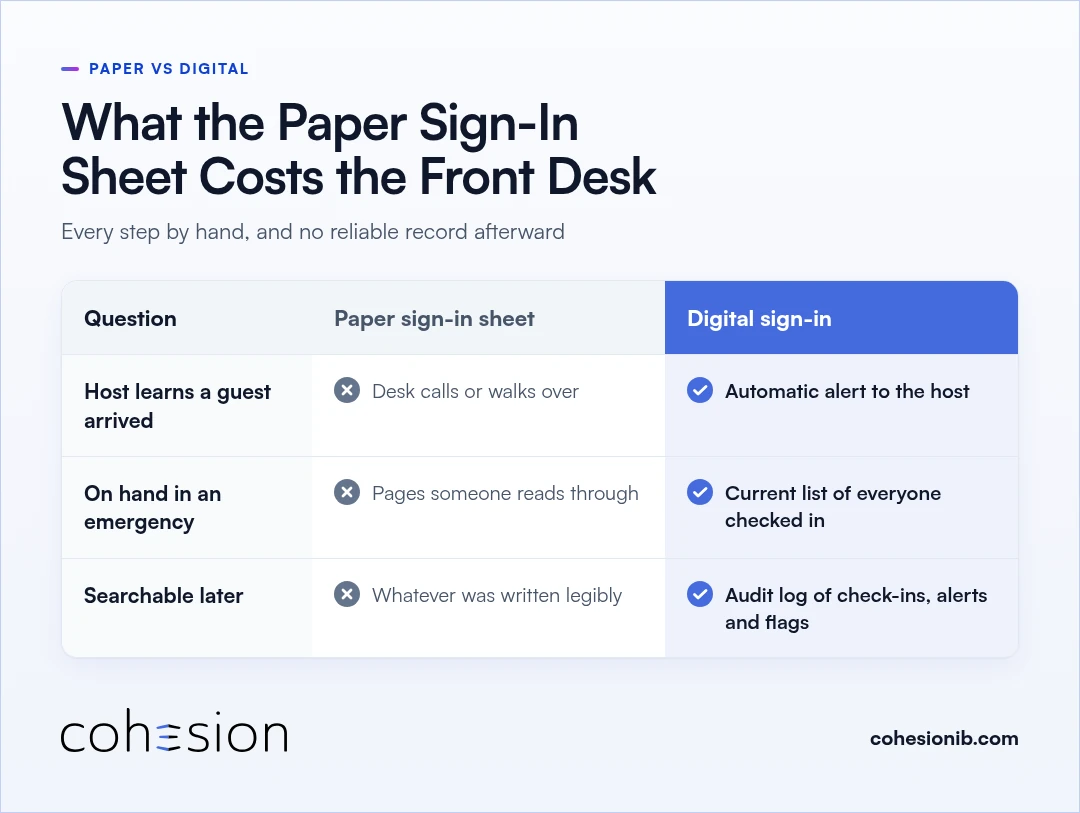
Here's how paper and digital sign-in compare at the desk.
| Question | Paper sign-in sheet | Digital sign in |
|---|---|---|
| How does the host find out a guest arrived? | The front desk calls or walks over | An automatic alert goes to the host and anyone else designated |
| What is on hand in an emergency? | Pages that someone has to read through | A current list of everyone checked in, guests included |
| What can you search later? | Whatever was written down legibly | An audit log of every check-in, host notification, and watchlist flag |
How QR code visitor check-in works
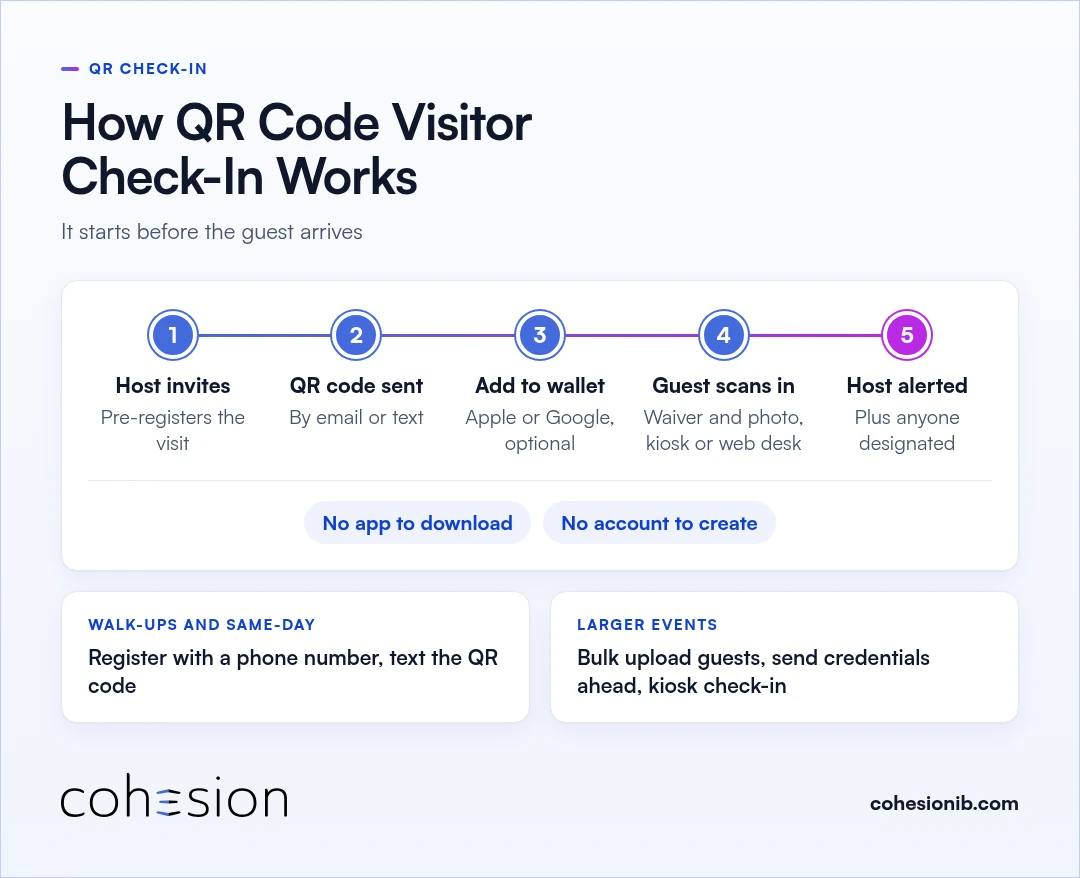
QR code visitor check-in starts before the guest arrives. The host registers the visit ahead of time, the guest receives a QR code, and scanning it at the lobby checks them in and alerts the host. Here's the sequence in a Cohesion building:
- The host pre-registers the visit.
- The guest gets a QR code and arrival details by email or text. We wrote about why we added visitor QR codes by text.
- If they like, the guest adds the pass to Apple Wallet or Google Wallet. There's no app to download and no account to create.
- At the lobby, the guest scans in, signs any required waiver, and has a photo captured, either at a self-service kiosk or through a web-based front desk flow.
- The host, and anyone else designated to receive it, gets an automatic alert.
What that QR pass opens after check-in is a separate step. We cover it in how visitor management and access control work together.
Check-in without an app
Guests check in with a QR code sent by email or text, at a self-service kiosk, or through a web-based front desk flow. Nothing needs to be installed, which matters most for one-time visitors who will never open your building's app again.
Mobile check-in for walk-ups and same-day visitors
Walk-ups and same-day visitors can check in with a QR code texted to their phone. Planned meetings are the easy case. A vendor arriving with a delivery, a technician called in for an elevator, or a guest added to an event that morning rarely has an invitation to find.
For those visits, the building team can register the person with a phone number and text the QR code. The visitor opens the message and has the pass in hand. For larger events, a property can bulk upload guests, send credentials ahead of time, and check people in at a kiosk.
What the digital visitor log records
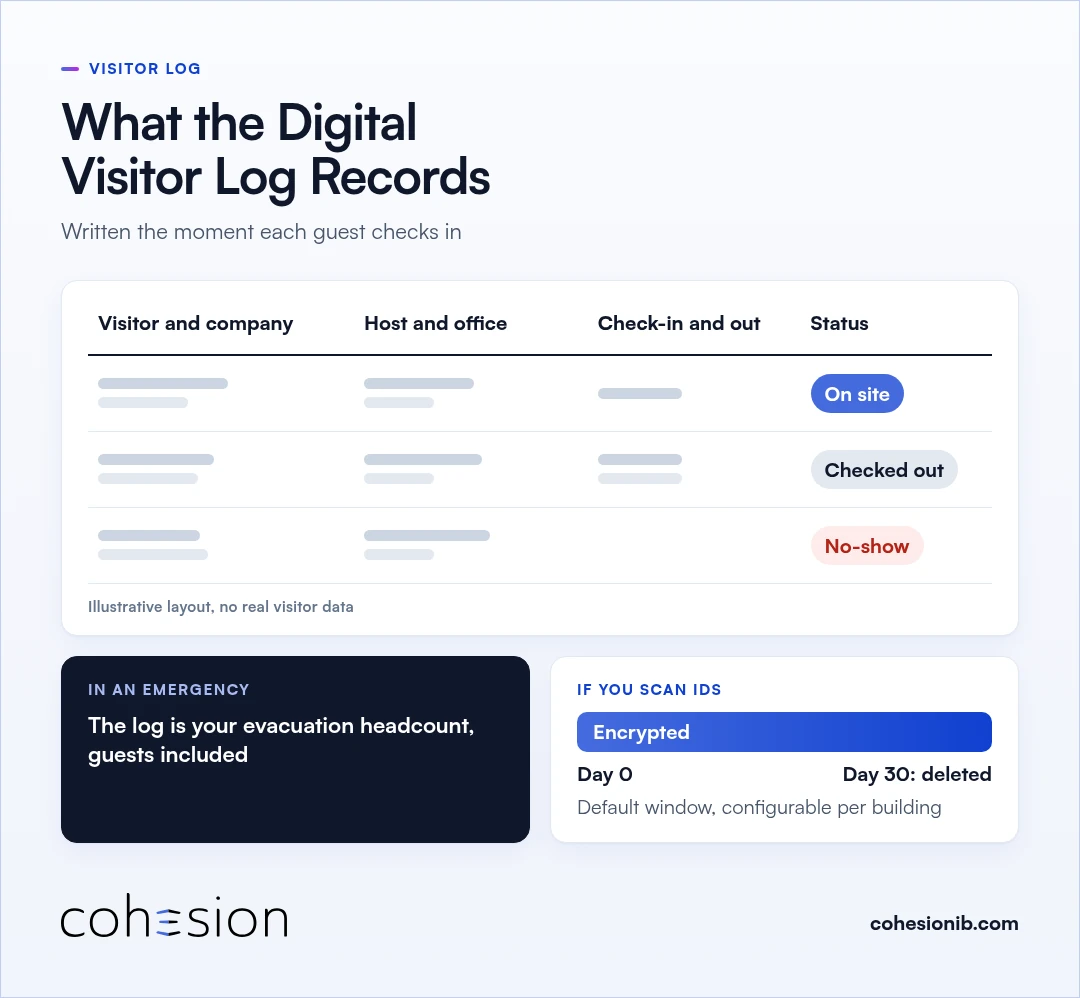
A digital visitor log records every visit the moment the guest checks in. For each visit, the daily log shows:
- Visitor and company
- Host and office
- Check-in and check-out times
- Status: on site, checked out, or no-show
Host notifications and watchlist flags write to the same audit log in real time. Security and compliance teams get one record of who was in the building, when, and under which rules.
In an emergency, that log can serve as your headcount list for an evacuation. The front desk can pull a current list of everyone checked in, guests included, without waiting for someone to compile it by hand.
If your building scans IDs at check-in, that data is stored in an encrypted service and deleted after 30 days by default, a window you can configure per building.
Rolling out digital check-in in a multi-tenant building
One visitor system for the base building and every tenant
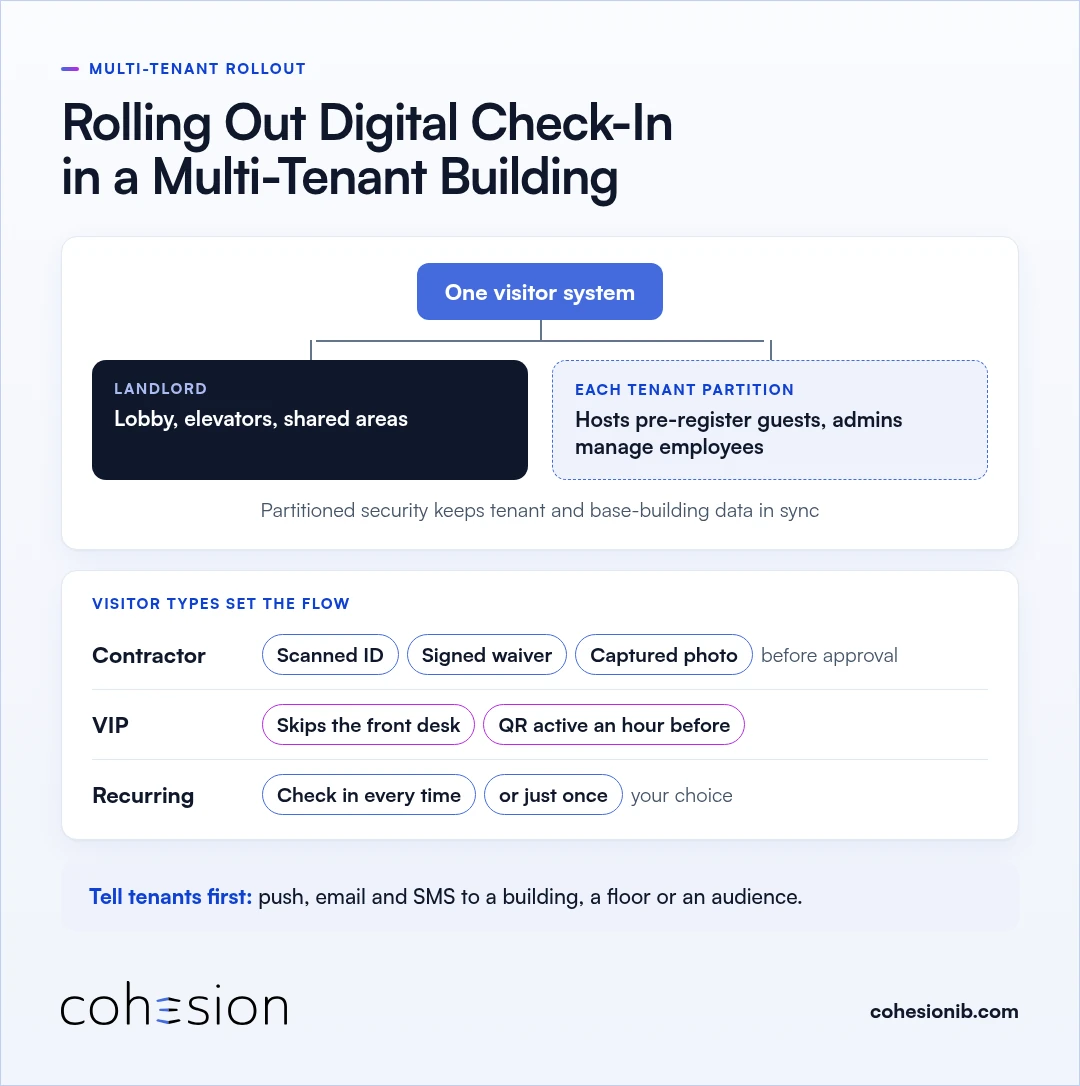
In a multi-tenant building, the base building and its tenants run on one visitor system, with partitioned security keeping tenant and base-building data in sync without exposing what shouldn't be shared. Each tenant manages its own people inside its partition. The landlord keeps control of the lobby, elevators, and shared areas.
Tenant hosts and admins
Hosts pre-register their own guests and get the arrival alert directly. Tenant admins can manage their own employees from the portal without waiting on building security. Roles and permissions are managed centrally, and each person uses the features their assigned role allows.
Visitor types for contractors, VIPs and recurring visits
Visitor tags give each type of guest its own flow. A contractor type can require a scanned ID, a signed waiver, and a captured photo before the visit is approved. A VIP type can skip the front desk and activate its QR code an hour before arrival.
You decide who can approve or add each visit type. For recurring visitors, you also choose whether they check in every time or just once.
Telling tenants about the change
When the new check-in goes live, the building can announce it through mass communications. Messages can target a building, a floor, or a specific audience, and go out by push, email, and SMS, so tenant hosts hear about pre-registration before their first guest arrives.
Choosing and connecting a system
Once you've decided to replace paper, the next step is choosing a system. If you're still comparing options, our visitor management system buyer's guide lists the questions to ask. If you need guest passes to work with doors and elevators, see how visitor management and access control work together and Smart Access.
Frequently asked questions
What is a digital visitor management system?
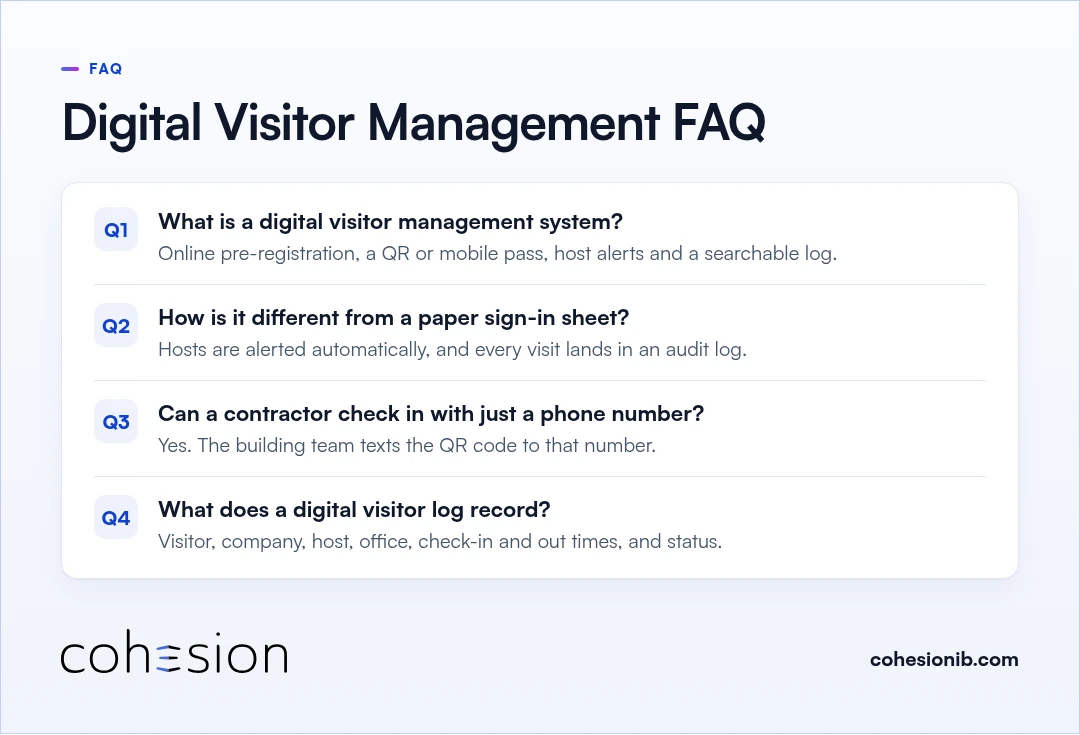
A digital visitor management system replaces the paper sign-in sheet with online pre-registration, a QR or mobile pass, automatic host alerts, and a searchable visitor log. Guests check in by scanning, and the front desk always has a current list of who is in the building.
How is digital visitor sign-in different from a paper sign-in sheet?
Digital visitor sign-in alerts the host automatically, keeps a current list of everyone checked in, and writes every visit to a searchable audit log. A paper sheet leaves each of those steps to the front desk, and the record is only as good as the handwriting.
Can a contractor check in with just a phone number?
A contractor can check in with just a phone number. The building team registers the contractor with it and texts the QR code, so the contractor has the pass without searching an inbox.
What does a digital visitor log record?
A digital visitor log records the visitor and company, the host and office, check-in and check-out times, and whether each guest is on site, checked out, or a no-show. Host notifications and watchlist flags write to the same log in real time.
To see the front desk flow and the visitor log in your own lobby, Book a Visitor Management demo.