What Is a Visitor Management System? It Decides Who Gets In
A visitor management system registers each guest, checks them in, grants time-bound access to the doors and floors their visit needs, and logs the visit.
Schedule a Call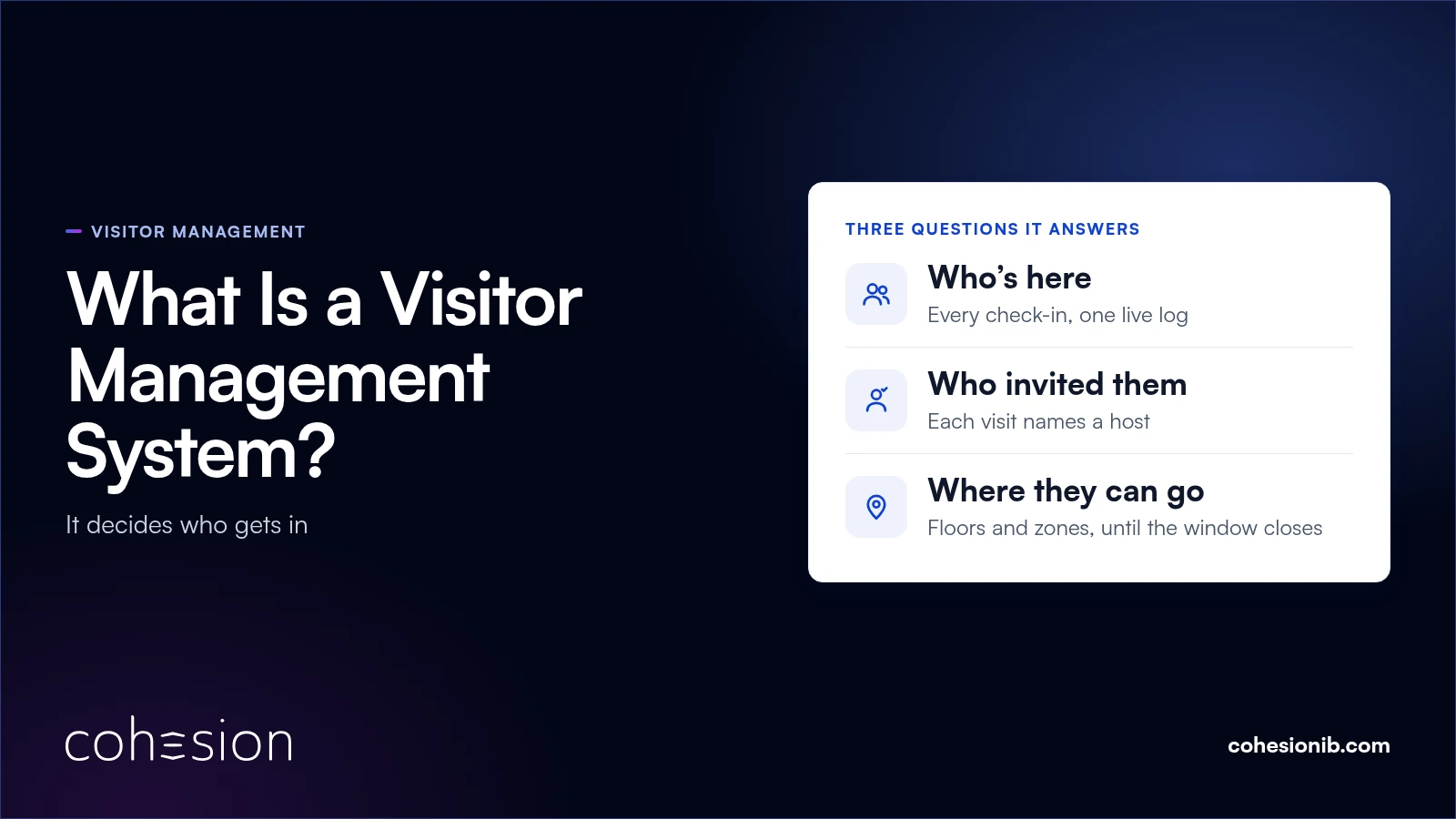
A visitor management system is software that registers everyone who isn't a building occupant, checks them in, grants temporary access to the doors, turnstiles and floors their visit was cleared for, and records the visit. The tablet in the lobby is one piece of it. The rest is the access decision behind each scan and the record that follows.
Picture one morning in a multi-tenant office building. A VIP booked a month out, a contractor here to service an air handler, and a guest who can't find the invitation email all arrive at the same front desk. On a paper sign-in sheet, all three get the same line on a clipboard.
Each of them needs a different floor, for a different length of time, under different rules. A visitor management system gives each one the right way in and gives the building team one record of all three.
What a visitor management system is for
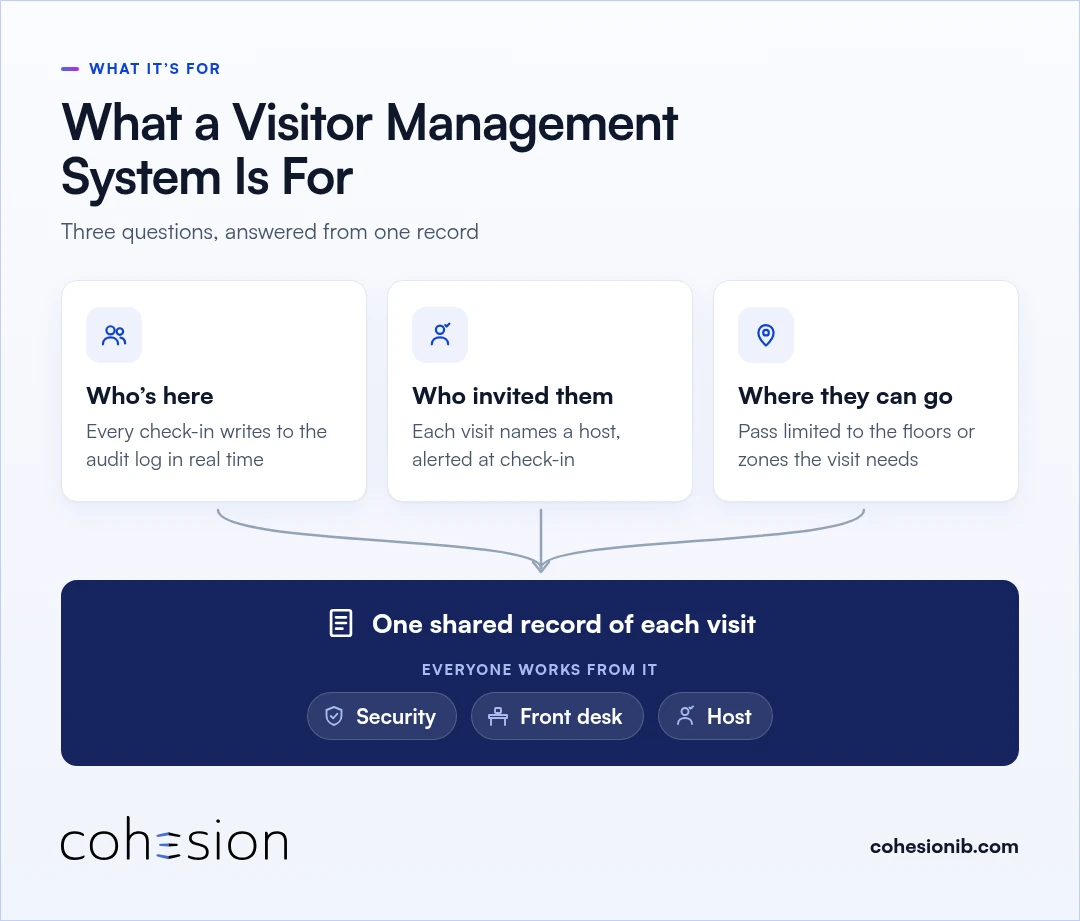
A visitor management system answers three questions for a building: who's here, who invited them, and where they're allowed to go. Security, the front desk and the host all work from the same record of each visit.
- Who's here. Every check-in writes to an audit log in real time. In an emergency, that same log becomes a current list of everyone checked in, guests included.
- Who invited them. Each visit names a host, who usually registers the guest ahead of time, and the host gets an alert when the guest checks in.
- Where they can go. The guest's pass can be limited to the floors or zones the visit needs, and it's set to expire when the visit window closes.
That shared record is where the benefits come from. The front desk makes fewer judgment calls, because each visitor type carries its own rules. And security sees a watchlist match flagged automatically at arrival, so nobody at a busy desk has to catch it by eye.
What visitor access means
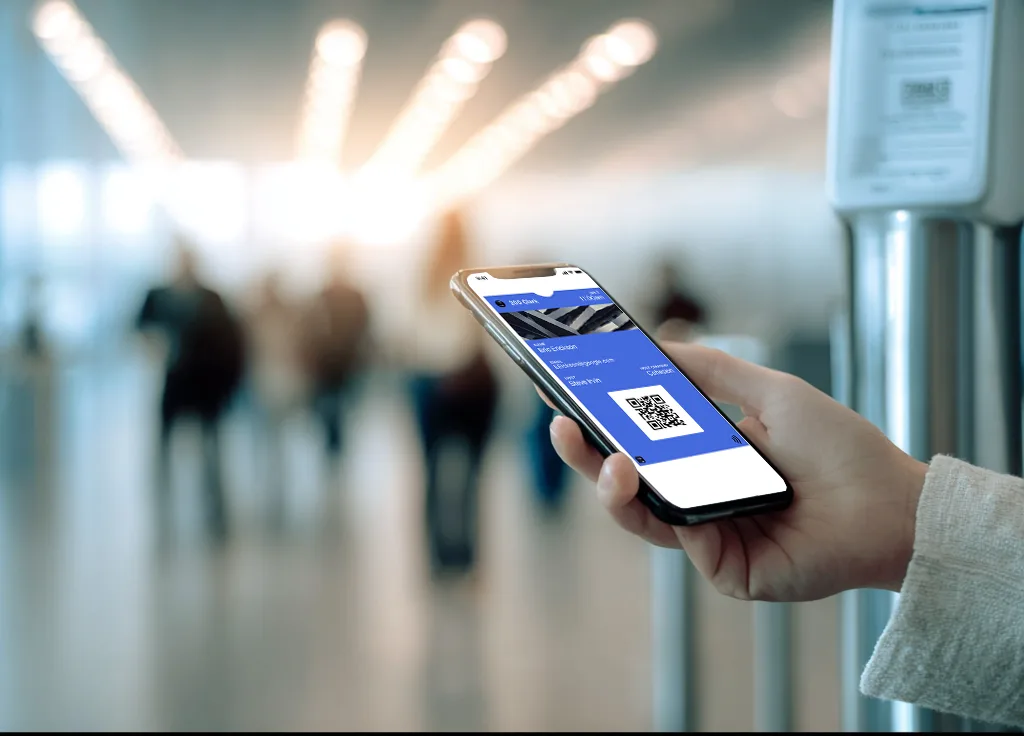
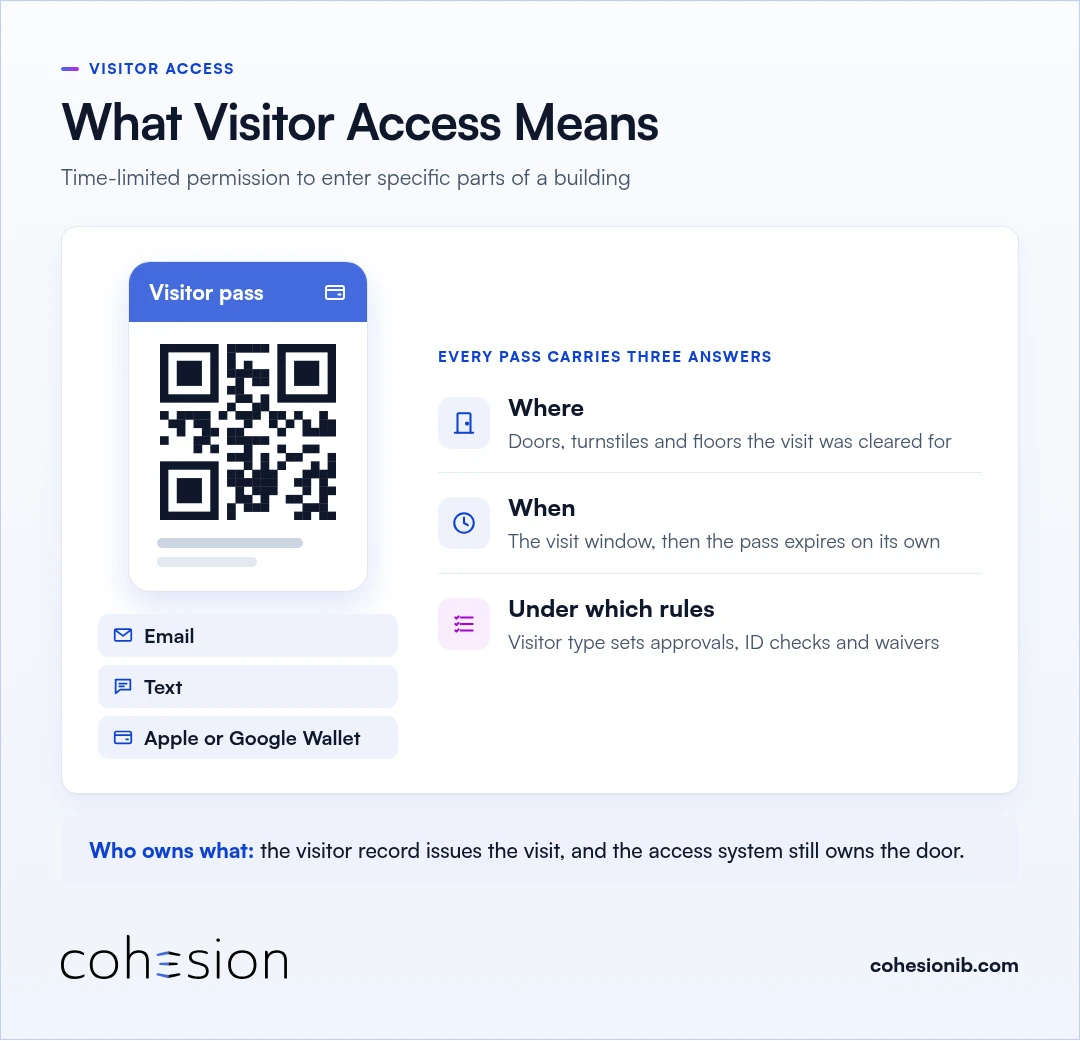
Visitor access is the time-limited permission a guest gets to enter specific parts of a building. With Cohesion Visitor Management, it arrives as a QR code by email or text, which the guest can also add to Apple Wallet or Google Wallet, and it works on the access control the building already runs.
Every visitor pass carries three answers:
- Where: the doors, turnstiles and floors the visit was cleared for.
- When: the visit window, after which the pass expires on its own.
- Under which rules: the visitor type, which sets approvals, ID checks and waivers.
The visitor record issues the visit, and the access system still owns the door. We go deeper on that connection in how visitor management and access control work together.
Where the check-in kiosk fits
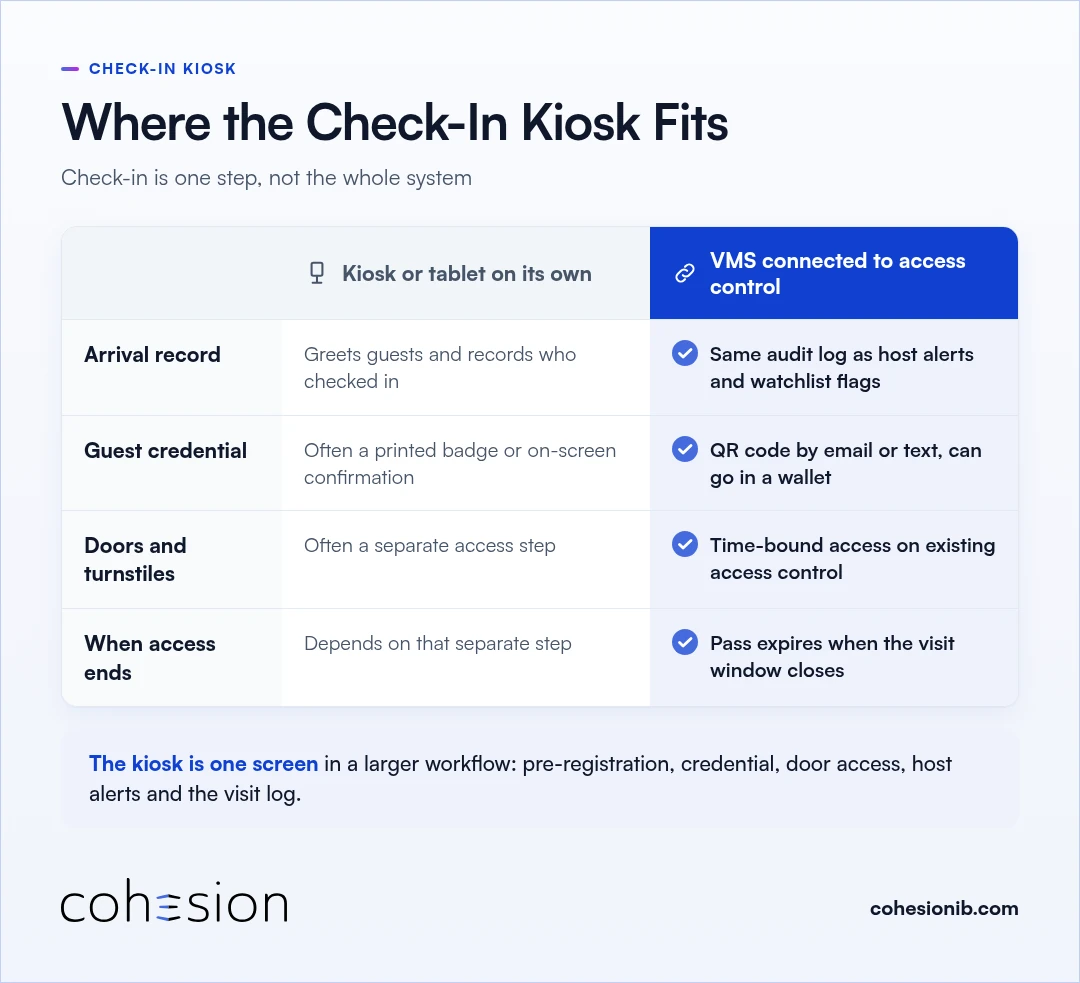
A check-in kiosk or lobby tablet is one way a visitor checks in. In a visitor management system, it's one screen in a larger workflow that also covers pre-registration, the guest's credential, door access, host alerts and the visit log.
Visitor check-in comes in three broad setups. Some buildings still use a paper sign-in sheet at the desk. Others use check-in software on a tablet that records arrivals and gives the guest a badge or an on-screen confirmation.
The third kind connects visitor management to access control, so the guest's pass also opens the doors the visit needs.
Kiosk check-in software is built for a clear core job: greeting guests and recording arrivals. Connecting check-in to access control adds what a security team needs on top of that, which is control over the doors a guest can open, when that access ends, and one record of both.
| Check-in kiosk or tablet on its own | Visitor management system connected to access control | |
|---|---|---|
| Greeting and arrival record | Greets guests and records who checked in, which is its core job | Records the check-in in the same audit log as host alerts and watchlist flags |
| Guest credential | Often a printed badge or an on-screen confirmation | A QR code by email or text that can be added to Apple Wallet or Google Wallet |
| Doors and turnstiles | Depends on the product, and often handled as a separate access step | Time-bound access applied on the access control already in the building |
| When access ends | Depends on how that separate access step is set up | The pass expires automatically when the visit window closes |
At Cohesion, our visitor management system connects check-in to access control, elevators, identity providers and sensors. A scanned QR code turns into an unlocked door and a notified host without anyone touching a second system.
Guests can still check in at a self-service kiosk, on their own phone, or through a web-based front desk flow. It runs on the access control many buildings already have, including HID, LenelS2, Genetec, Kastle and AMAG, and our current integration list shows the rest.
The parts of a visitor management system
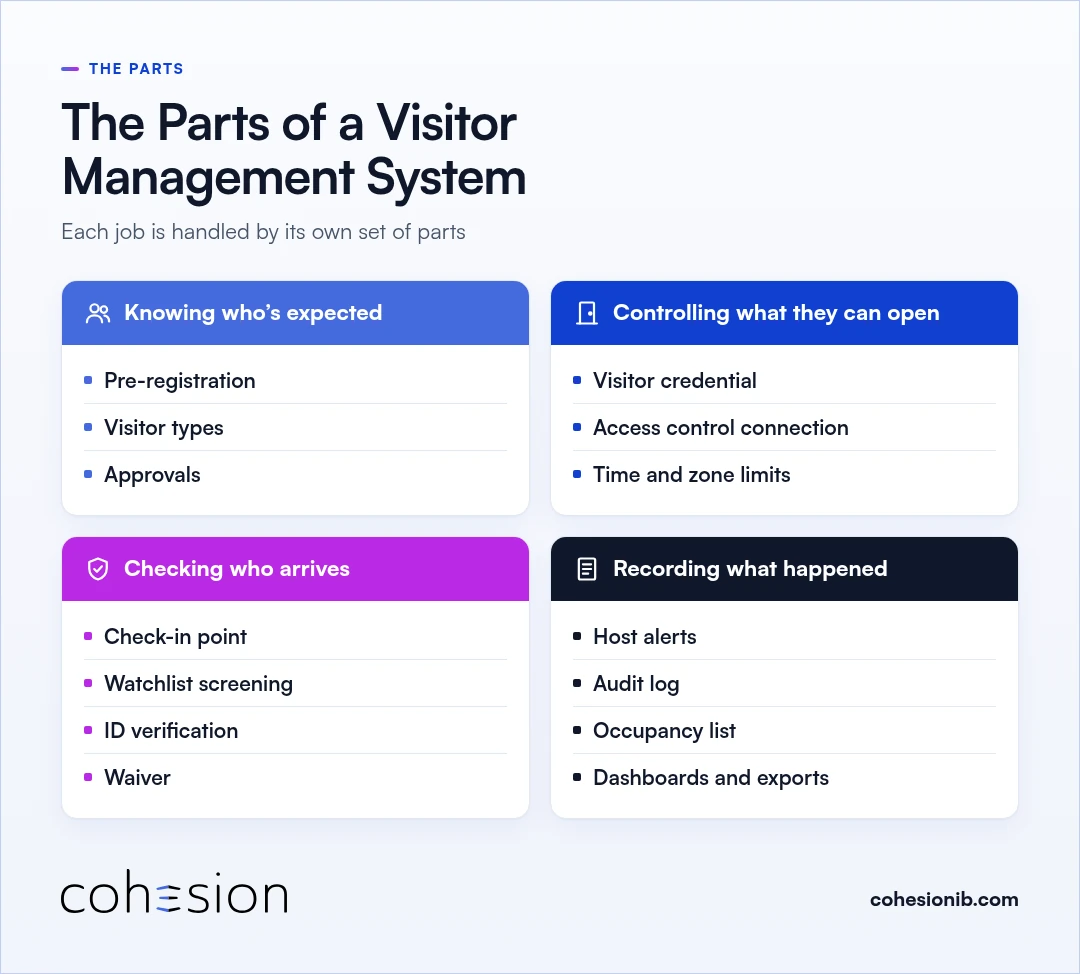
A visitor management system is a set of parts that each do one job: knowing who's expected, controlling what they can open, checking who arrives, and recording what happened.
Knowing who's expected
- Pre-registration: a host registers the guest before the visit.
- Visitor types: tags such as VIP, contractor or vendor, each with its own rules.
- Approvals: each type sets who can approve or add a visit, and whether recurring visitors check in every time or just once.
Controlling what they can open
- Visitor credential: a QR code sent by email or text, which can also live in Apple Wallet or Google Wallet.
- Access control connection: the credential works on the door, turnstile and elevator access already in the building.
- Time and zone limits: access can be restricted to specific floors or zones and expires with the visit window.
Checking who arrives
- Check-in point: a self-service kiosk, the guest's phone, or a web-based front desk flow.
- Watchlist screening: every arrival is checked against the building's watchlist, and a match goes to security review.
- ID verification: for buildings that want it, a connected scanner reads a driver's license or passport, checks that the document is authentic, and matches it to the visit. Scanned ID data is stored encrypted and deleted automatically on a set schedule that each building controls.
- Waiver: guests sign any required waiver at check-in.
Recording what happened
- Host alerts: the host, and anyone else designated, gets an alert the moment the guest checks in.
- Audit log: every check-in, host alert and watchlist flag lands in one record.
- Occupancy list: the same log gives a current list of everyone checked in during an emergency.
- Dashboards and exports: security and workplace teams see who's in the building now and who was there before.
How a visitor management system works
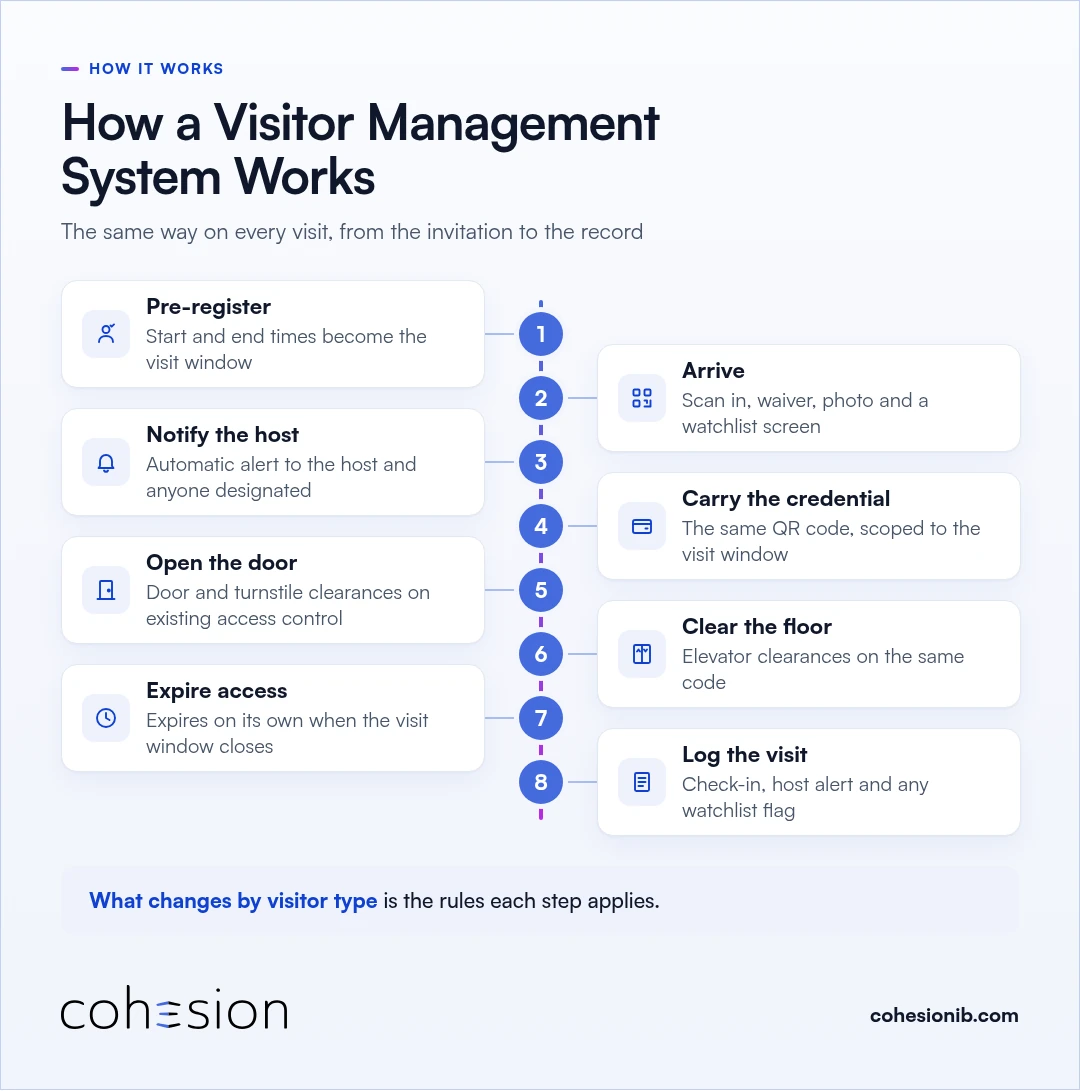
Those parts come together the same way on every visit, from the invitation to the record, whether the guest is a meeting client or a contractor. What changes from one visitor type to the next is the rules each step applies.
- Pre-register. The host registers the visit and sets its start and end times, which become the visit window. The guest gets a QR code and arrival details by email or text, with no app to download.
- Arrive. The guest scans in, signs any required waiver and has a photo captured. The system screens the name against the watchlist at the same moment.
- Notify the host. Check-in sends an automatic alert to the host and anyone else designated to receive it, so no one is left waiting in the lobby.
- Carry the credential. The same QR code carries the access for the whole visit, scoped to the visit window and, where the building sets it, to specific floors or zones.
- Open the door. Time-bound door and turnstile clearances apply automatically on the access control the building already runs.
- Clear the floor. Elevator clearances on the same code are scoped to the floors the visit was cleared for.
- Expire access. The credential expires on its own when the visit window closes, so a guest pass never outlives the visit it was issued for.
- Log the visit. The check-in, the host alert and any watchlist flag go into the audit log, ready for security and compliance teams.
Types of visitors a visitor management system handles
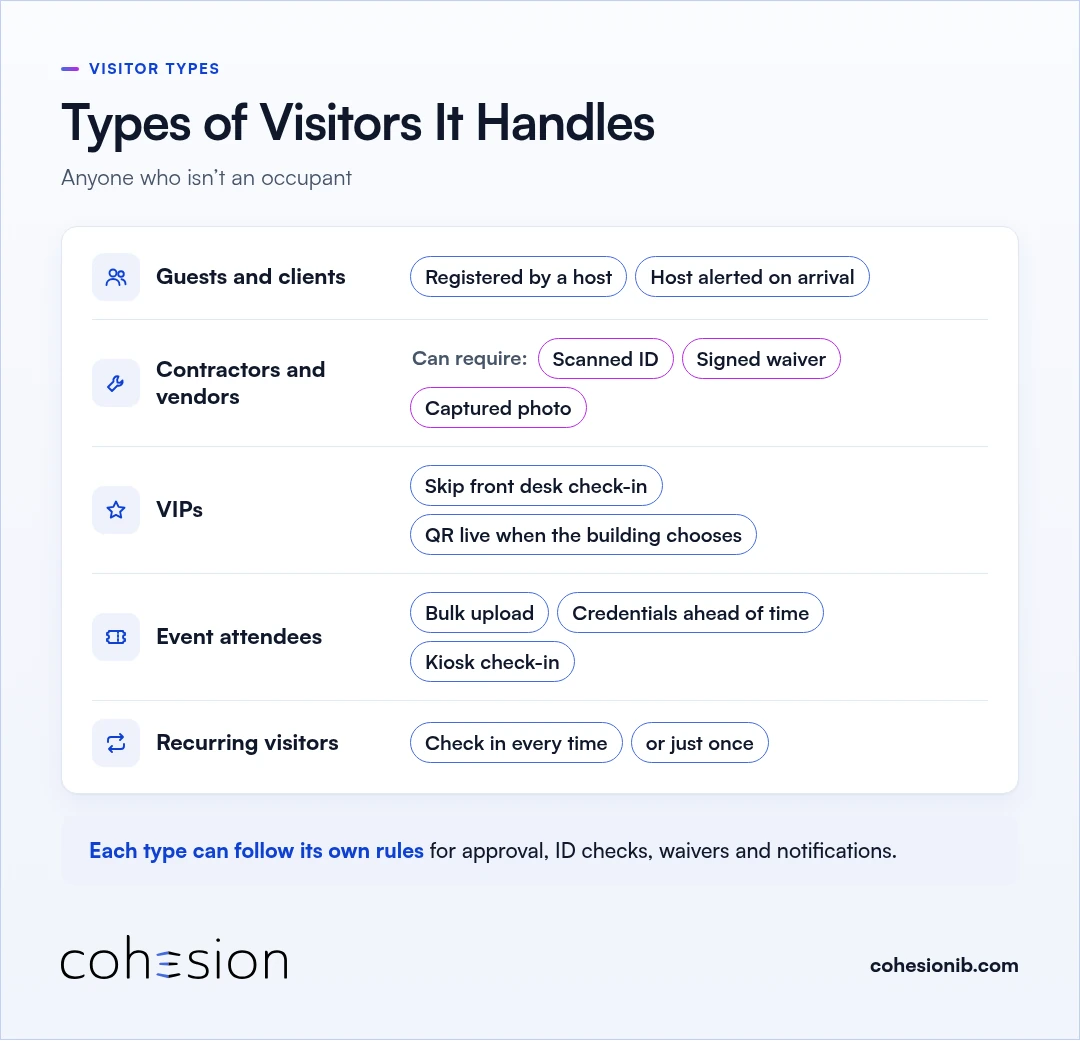
A visitor management system handles anyone who isn't an occupant: meeting guests and clients, contractors, vendors and deliveries, event attendees, VIPs and recurring visitors. Each type can follow its own rules for approval, ID checks, waivers and notifications.
Guests and clients are registered by a host, who gets an alert when they arrive.
Contractors and vendors often need a little more at check-in. A contractor type can require a scanned ID, a signed waiver and a captured photo before the visit is approved. Someone arriving with tools in hand is more likely to see a text than an email, which is why we built visitor QR codes by text.
VIPs can be set to skip front desk check-in, with a QR code that goes live when the building chooses.
Event attendees can be uploaded in bulk, sent their credentials ahead of time and checked in at a kiosk.
Recurring visitors, such as a returning vendor, can check in every time or just once, depending on how the building sets that type.
Who uses a visitor management system
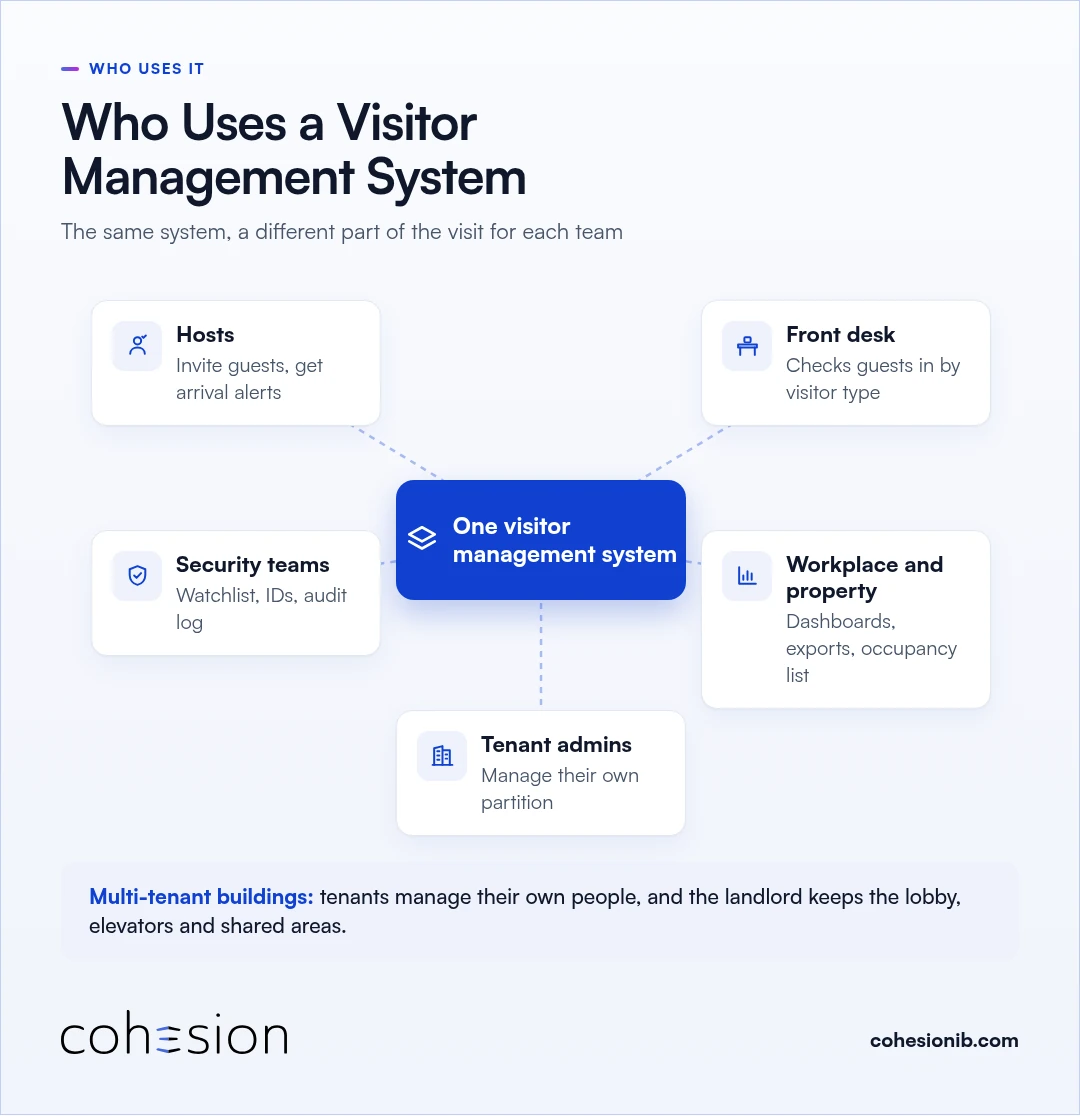
The host, the front desk, the security team, and the workplace and property teams all use the same visitor management system, each for a different part of the visit.
- Hosts invite their guests and get an alert when they arrive.
- The front desk checks guests in, with the visitor type setting the rules.
- Security teams review watchlist matches, verify IDs and work from the audit log.
- Workplace and property teams use dashboards, exports and the emergency occupancy list.
- Tenant admins in a multi-tenant building manage their own people inside a partition, while the landlord keeps control of the lobby, elevators and shared areas through Smart Access.
You'll find these teams in offices, multi-tenant commercial buildings and commercial real estate portfolios.
A multi-tenant building can share one visitor system across the base building and its tenants, with partitioned security keeping tenant and base-building data in sync without exposing what each side keeps private. When a landlord runs one visitor system and a major tenant runs another, we can connect the two, so the visit carries on past the boundary between them.
When you're ready to compare options, our guide to choosing a visitor management system lists the questions to ask each vendor.
Frequently asked questions
What does VMS stand for?
If you see VMS in a visitor management conversation, it stands for visitor management system. Some security teams use the same letters for video management software, so it's worth checking which one a vendor means.
What is visitor management?
Visitor management is the practice of knowing who's visiting your building, who invited them, and where they're allowed to go. It looks after hospitality and safety at the same time, and a visitor management system is the software that runs it, from the host's invitation to the visit record.
Who counts as a visitor in a building?
A visitor is anyone who comes into your building without being one of its occupants, such as a meeting guest, contractor, vendor, delivery driver or event attendee. Tenant employees and building staff use their own credentials instead.
How does a visitor management system work?
A visitor management system works by moving each visit from the host's invitation to the record: pre-registration, check-in, host notification, a QR credential, door access, floor access, automatic expiry and the visit log. The credential opens only the doors and floors the visit was cleared for, and it expires when the visit window closes.
Is a visitor management system the same as a check-in kiosk?
A visitor management system and a check-in kiosk aren't quite the same thing, though a kiosk is one of the ways the system checks guests in. The system around it also decides who's expected, which doors and floors each pass opens, when that access ends, and what goes into the log.
Why is visitor management important?
Visitor management is important because it gives your building one shared record of its visits, and that record matters a great deal in an emergency, when the front desk needs a current list of everyone checked in, guests included. It also keeps temporary access temporary, because each visitor pass is set to expire when the visit ends.
Do visitors need to download an app to check in?
Your visitors won't need to download an app. They check in with the QR code sent by email or text, at a self-service kiosk, or through a web-based front desk flow, and they can add the QR code to Apple Wallet or Google Wallet.
When does visitor access end?
Visitor access ends automatically when the visit window closes. The door, turnstile and elevator clearances were scoped to that window from the start, so access doesn't depend on someone remembering to revoke it.
Does a visitor management system work with existing access control?
A visitor management system can run on top of the access control a building already has, so there's no need to replace the readers and panels already in place. Cohesion Visitor Management works with HID, LenelS2, Genetec, Kastle and AMAG, and the access system still owns the door.
See Cohesion Visitor Management
We'd love to show you how visitors could move through your building. Bring your current front desk process and access control system, and we'll walk one visit from the invitation to check-in, through a door and a floor, and into the log.