




A visitor workflow, not a sign-in sheet
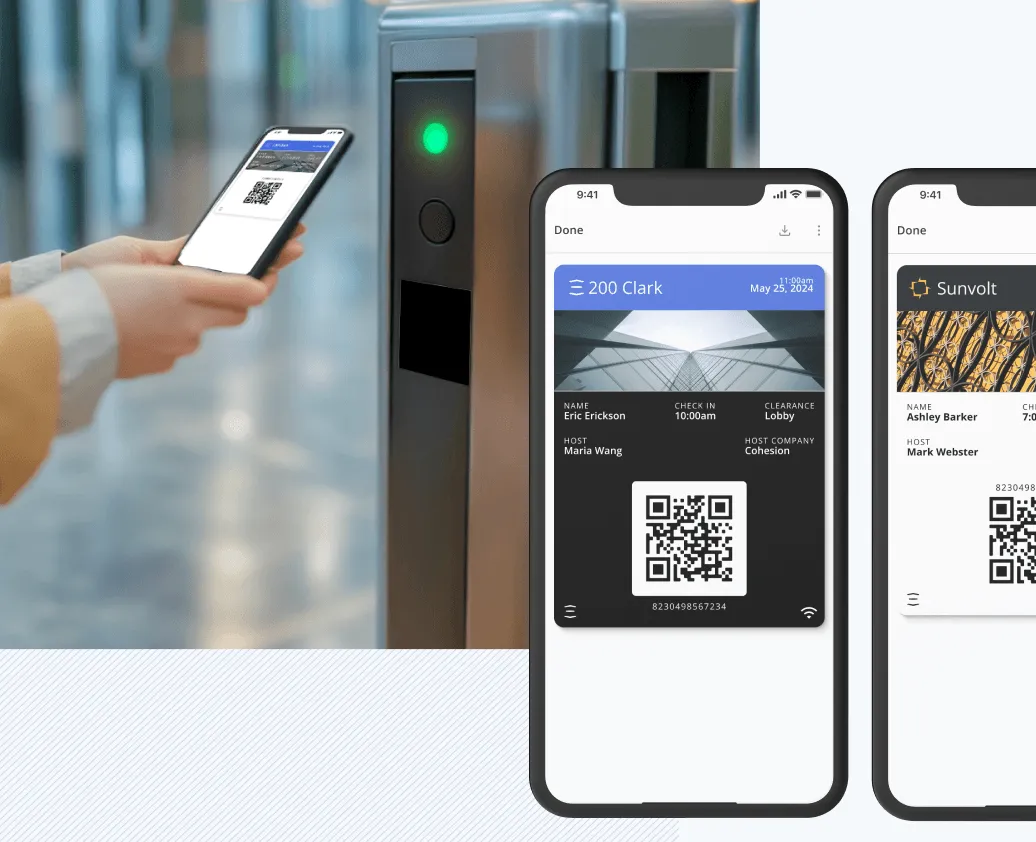
Visitors get a pre-registration link and a scannable credential by email or text, which they can also add to Apple Wallet or Google Wallet. No app to download, no account to create.
Visitor Management
Give every visitor a fast, secure way in and give your team full control over how they got there. A host pre-registers a guest, the guest scans in, and Cohesion grants exactly the access that visit calls for, automatically.
Every visit runs through the same four stages, whether the guest is a same-day contractor or a VIP booked a month out. A host invites, a guest arrives, the building grants exactly the access that visit needs, and the record feeds straight into reporting.
Step 1
Host pre-registers the visit; the guest gets a QR code and arrival details by email or text.
Step 2
The guest scans in, signs any required waiver, and has a photo captured. The host is notified the moment they check in.
Step 3
Time-bound door, turnstile, and elevator clearances apply automatically, scoped to the visit window.
Step 4
Dashboards and exports give security and workplace teams a real-time and historical view of who's in the building.
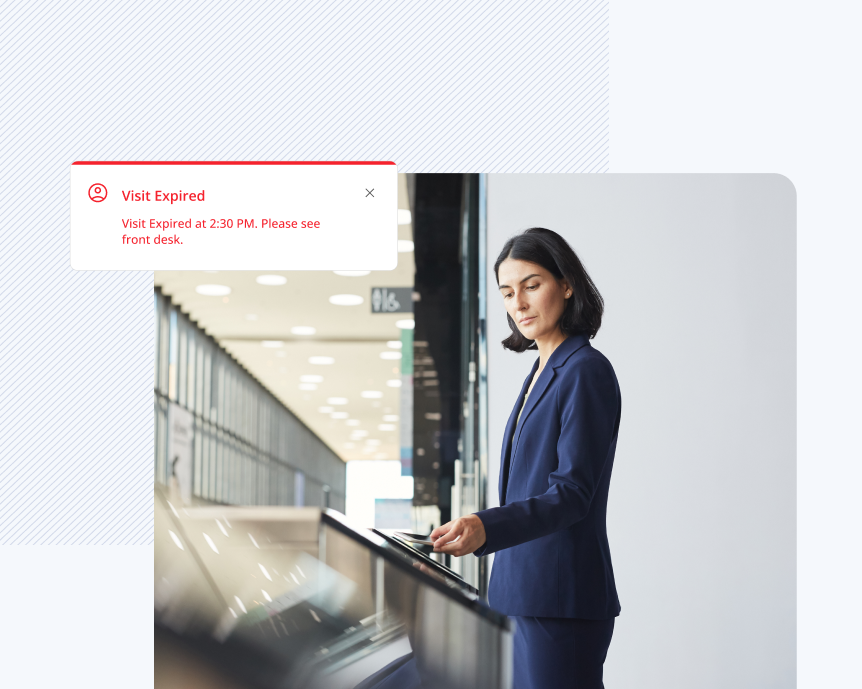
A tablet at the front desk is one screen in a bigger workflow. Cohesion connects check-in to access control, elevators, identity providers, and sensors, so a scanned QR code turns into an unlocked door and a notified host without anyone touching a second system.
Visitors get a pre-registration link and a scannable credential by email or text, which they can also add to Apple Wallet or Google Wallet. No app to download, no account to create.
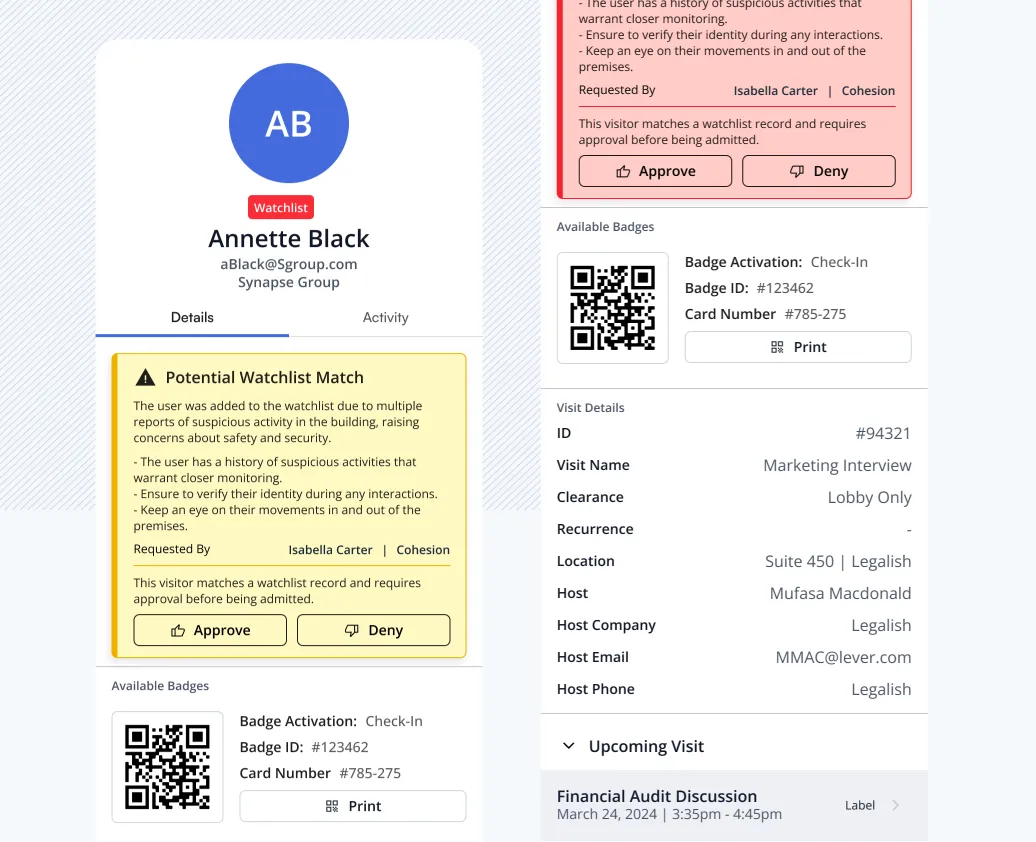
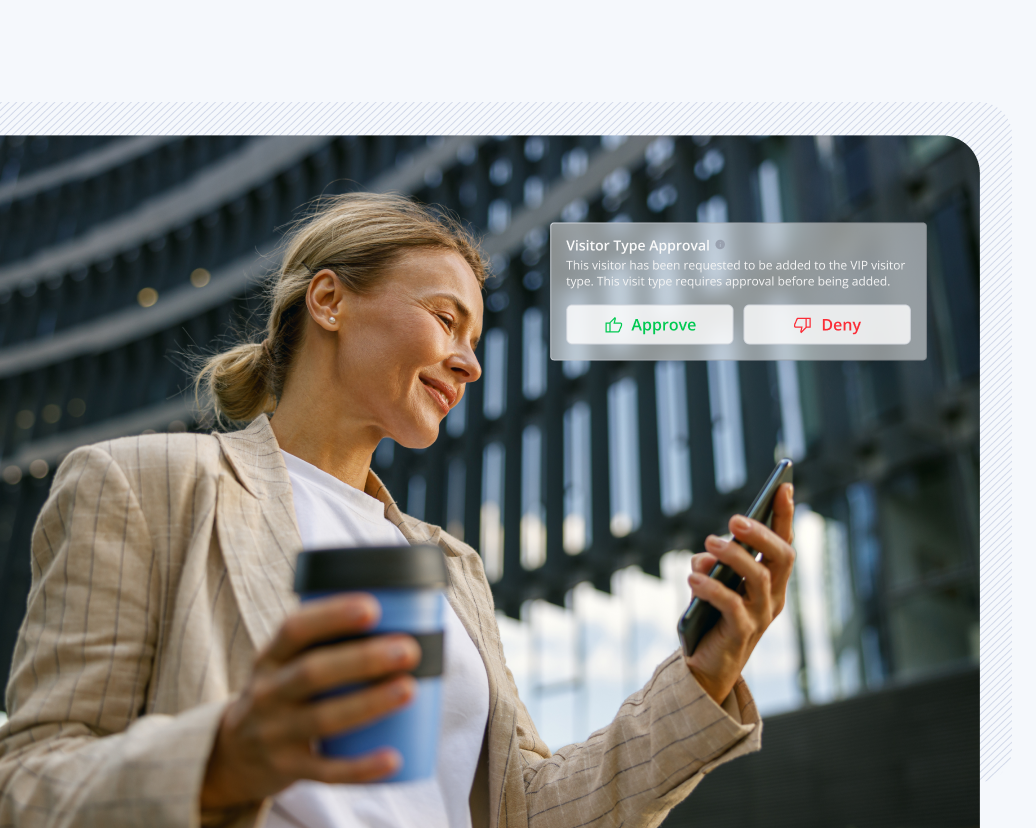
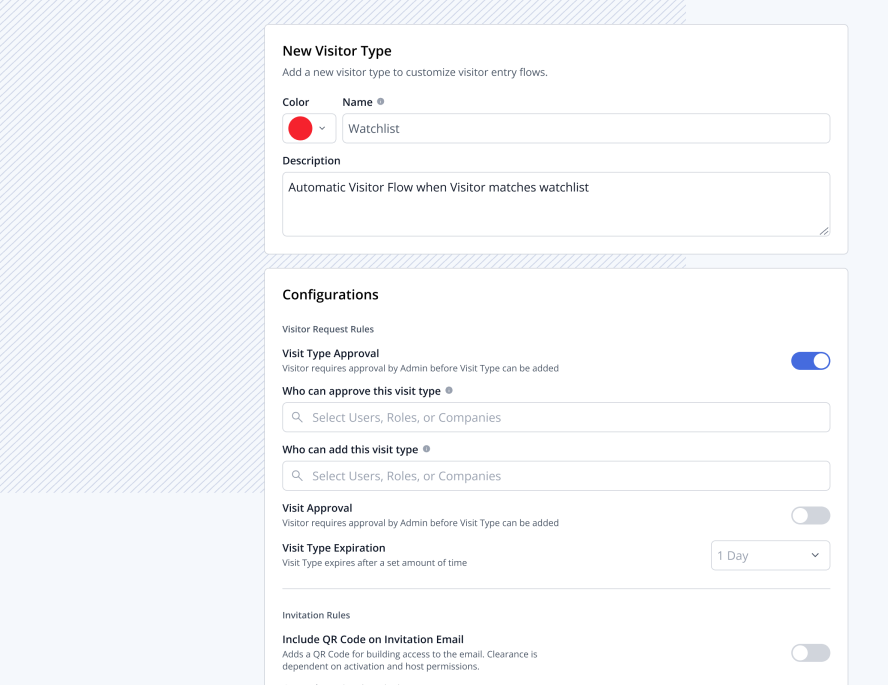
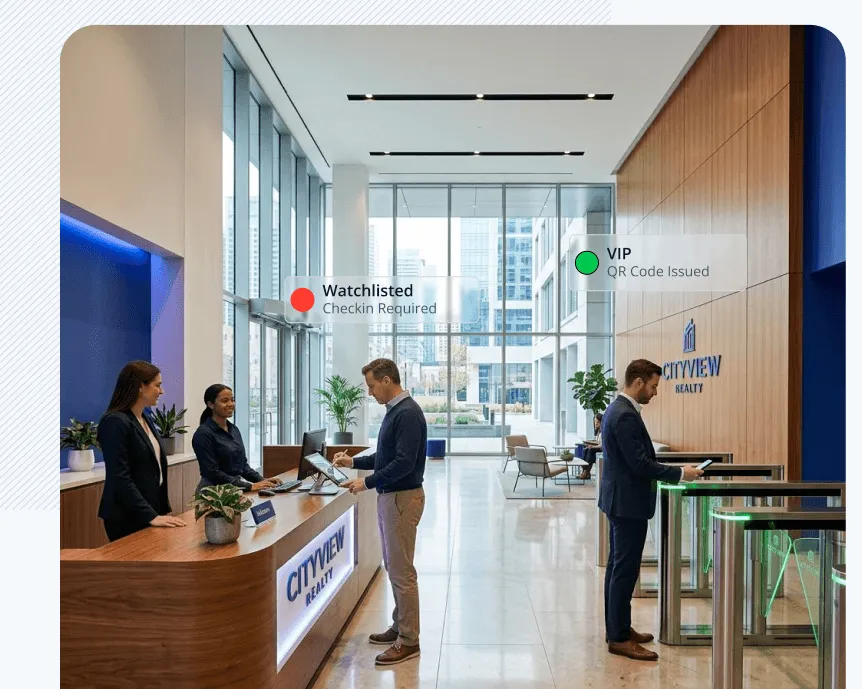
A contractor, a VIP, and a name on the watchlist shouldn't check in the same way. Visitor tags let you build a distinct entry flow for each type of guest and have Cohesion apply it without anyone at the front desk making a judgment call.
A VIP type can skip front desk check-in and activate its QR code an hour before arrival. A contractor type can require a scanned ID, a signed waiver, and a captured photo before the visit is approved. A watchlist type is assigned automatically and needs no manual tagging.
For buildings that want it, a connected ID scanner reads a driver's license or passport at check-in, confirms the document is authentic, and matches it against the pre-registered visit, so the front desk isn't eyeballing a photo ID against a printed name.
Scanned ID data is stored in an encrypted service and deleted on a set retention window, 30 days by default and configurable per building, never kept indefinitely.
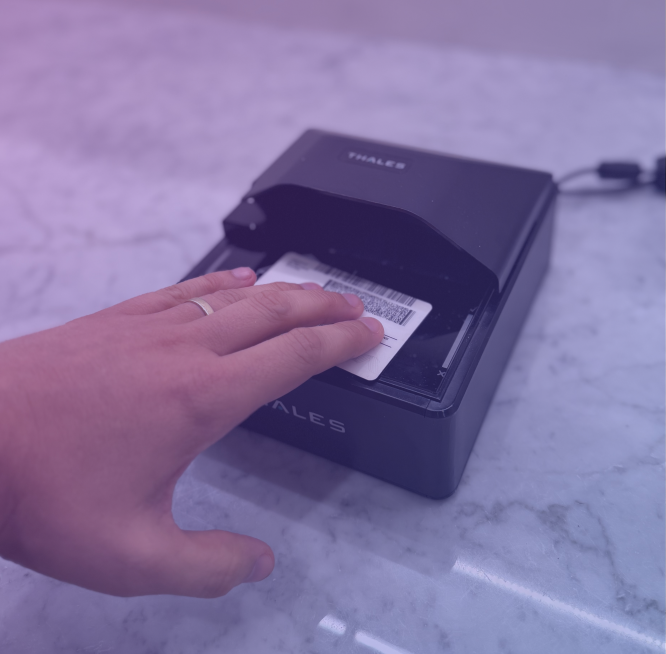
Scan
The visitor's driver's license or passport is scanned at the front desk.
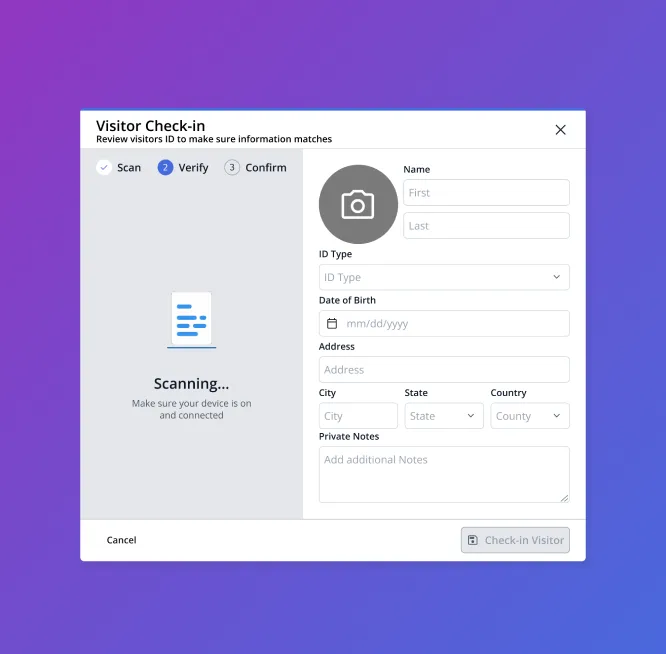
Verify
Cohesion confirms the document's authenticity before check-in can proceed.
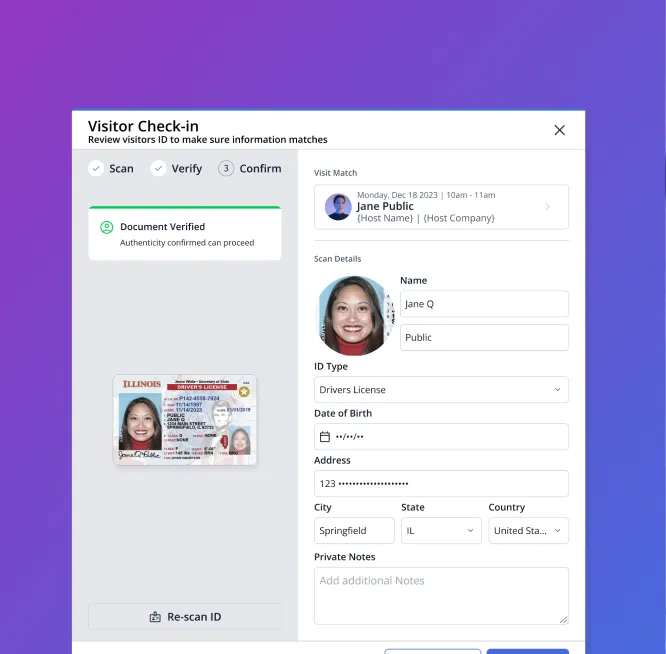
Confirm
Scanned details are matched to the visit on file and the host is notified the moment check-in completes.
Every check-in, host notification, and watchlist flag writes to an audit log in real time, so security and compliance teams have a single record of who was in the building, when, and under which rules.
In an emergency, that same log doubles as an occupancy report. Pull a current list of everyone checked in, guests included, without waiting on someone to compile it by hand.
Daily Visitor Log (Today)
Who's on site right now: reception's live roster, usable as the mustering list
| Visitor | Company | Host | Office | Check-in | Check-out | Status |
|---|---|---|---|---|---|---|
| H. Rasmussen | Meridian Capital | G. Ellison | Richmond (HQ) | 13:45 | — | On-site |
| C. Danforth | Danforth Advisory | G. Ellison | Richmond (HQ) | 11:40 | 13:05 | Checked out |
| L. Fontaine | Alder & Gray LLP | M. Lindqvist | Richmond (HQ) | 11:12 | — | On-site |
| T. Brogan | Brogan Search | T. Jensen | Minneapolis | 10:30 | 11:45 | Checked out |
| M. Iyer | OfficePro Services | P. Raman | Richmond (HQ) | 10:05 | — | On-site |
| S. Whitlock | — | T. Jensen | Minneapolis | 09:22 | 10:40 | Checked out |
| A. Osei-Bonsu | Ridgeline Partners | S. Marek | Boston | 09:15 | 12:20 | Checked out |
| R. Vanterpool | Meridian Capital | C. Okafor | Richmond (HQ) | 09:02 | 11:30 | Checked out |
| E. Nakagawa | Kite Ventures | O. Hayes | London | 08:55 | — | On-site |
| D. Strand | Strand Legal | E. Vargas | Washington DC | 08:41 | 10:15 | Checked out |
| P. Whelan | Argent Insurance | H. Bell | Cleveland | — | — | No-show |
| F. Almeida | Almeida Group | L. Brandt | Frankfurt | 08:10 | 09:35 | Checked out |
No. Guests check in with a QR code sent by email or text, at a self-service kiosk, or through a web-based front desk flow. Nothing to install.
No. Visitor Management runs on top of the access control you already have, HID, Lenel, and other popular systems work on day one, so there's no rip-and-replace.
Yes. Visitor tags let you set a distinct flow per type, VIP, contractor, watchlist, or any category you define, each with its own approval rules, ID scan requirement, waiver, and notification list.
It's stored in an encrypted service and deleted on a retention window you control, 30 days by default. It is never kept indefinitely.
Bring your current front-desk process and access control system. We'll show how Cohesion handles invite to checkout for every visitor type you run.